Showing posts with label Pages. Show all posts

Monday, July 29, 2013

Up! up! my Friend, and quit your books

Yesterday I went to Vaakkoi with my daughter to pick blueberries. There is a very good place 25 minutes walk away from the parking place, and it seems that nobody goes that far away to pick blueberries. They were very sweet even though not specially big ones.

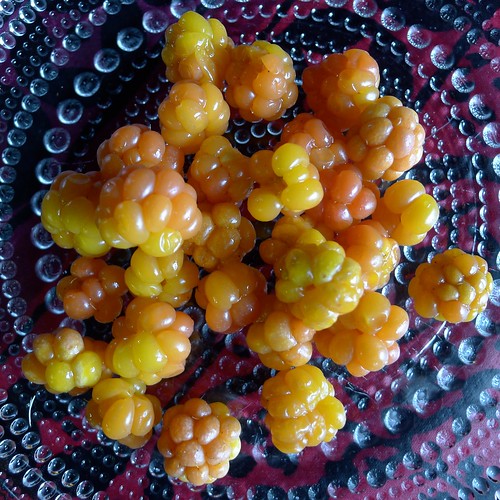
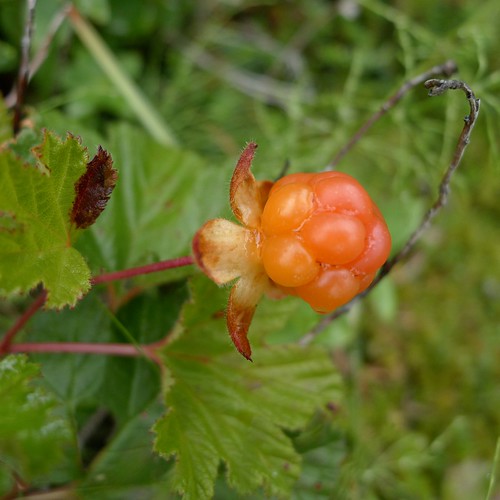
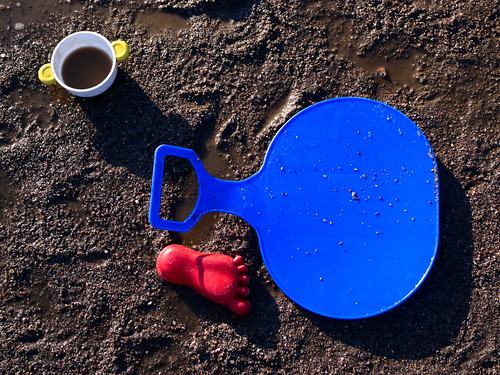
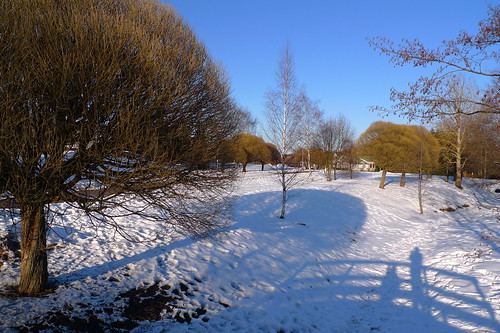
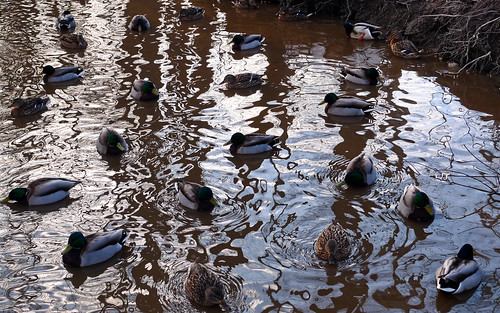
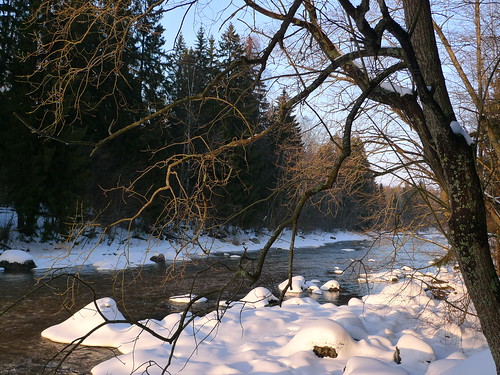
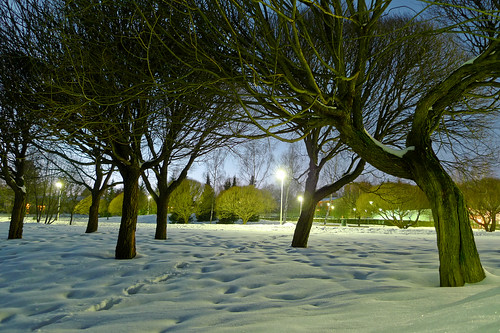
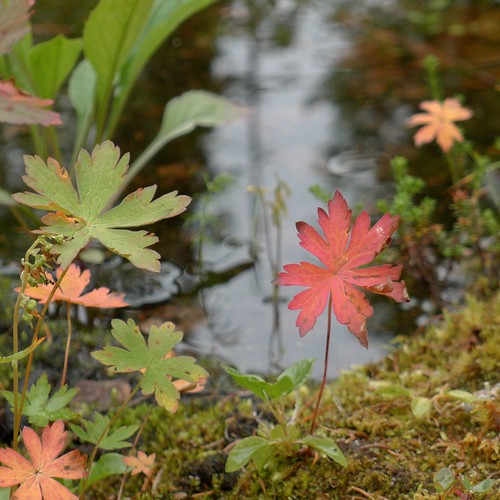
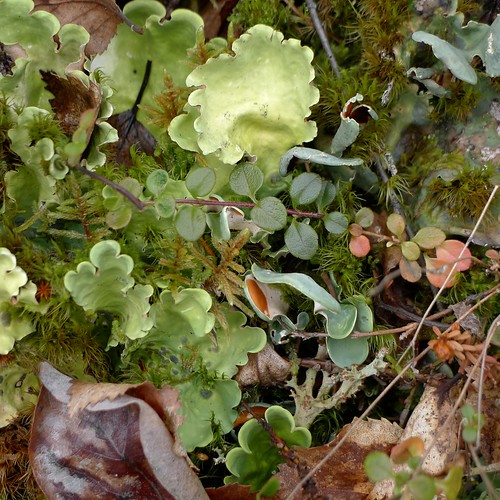
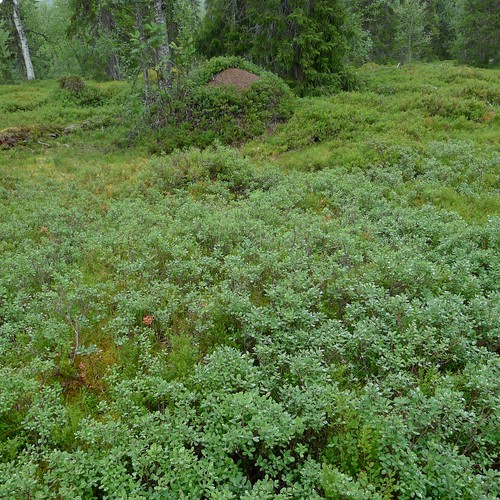
Also, yesterday I managed to get started with making a photo book of our trip to Lapland, without significant problems. The photographs above were taken during the trip.

I bought a new version of Pages from App Store, version 4.3, while I had 3.0, which has a bug where the deleted pages didn't disappear properly. That bug has been fixed in version 4.3, so the upgrade was well worth the price.

Pages works the same way as before so there was no learning curve. Well, except for the fact that saving files works now differently, and at first I modified an existing photo book when I should have duplicated it first and then started working on the file. Old habits die hard...

I imported the 439 photographs into a new library in Aperture, and working from there, divided the photographs into rough chapters, moving them when needed, and deleting those I didn't feel would make the cut. In the end I had 216 photographs left, divided into nine chapters plus front and back cover photographs.

After the organization work done in Aperture, I started making the rough typesetting in Pages, modifying the text styles and colors to fit what I'm aiming at. Next, I started selecting the cover photographs, chapter title photographs, and those photographs which could make the story in each chapter.

At this point I realized that there are certain types of photographs missing, such ones which help the story to go forward, and as originally I didn't plan on making a book out of the photographs from the trip, I didn't takes such photographs except by accident.

Currently the photo book has 80 pages of photographs in Pages. It is too much, I should cut it down to 64 or so, but I'm letting it rest for a while. But it is almost where I want it to be. A lot remains to be done still: writing text and captions, and fine-tuning the layout. Also some photographs need additional post-processing to work better in a printed book.

I noticed that Blurb has new options for making photo books, such as "pro" papers etc., which might be something to test out. Last time, in 2011, I used "lustre premium" paper, which was all right, but maybe this time I try "proline uncoated" paper, which looks interesting.

(Posting title is from the poem The Tables Turned by William Wordsworth.)

Sunday, July 28, 2013

Paper eight paper eight or, paper eight ore white

I have now processed the photographs from the trip to Salla in Lapland. Next I should start planning how the photo book could look like. One of the questions is whether I should focus on the "wild" aspect of nature, and how much should I include the human factor, as there really isn't a completely wild environment any more, even in Lapland. So, what kind of dish should I be serving?

I was less strict about culling the photographs than I'm usually. I saved 439 photographs from the trip, which is 15 % of all, much more than my usual 5-10%. I thought that I should have some reserve material for the photo book, and some of the photographs which I would usually have deleted could work in a book even though not as individual photographs. I also preserved more duplicates than usually, slightly different views of the same subject, as I wasn't sure which one would work best in a book.

I have uploaded most of the photographs to Flickr, which I'm using as a backup service, in addition to the Time Machine backup I have on the iMac. I'm planning to use Aperture to make the original selection of photographs for the chapters of the book, and to explore what kind of book would be possible to get out of these photographs. For layout, I'm planning to use Pages, even though there nowadays are very good (easier and/or more professional) alternatives. And for a printed version I'm once again planning to use the BookSmart software from Blurb. I hope it works as well as it used to.

The process I'm planning to use is to some degree documented in the blog page on making photo books.

(Posting title is from the poem Yet Dish by Gertrude Stein.)

Thursday, June 18, 2009

SoFoBoMo - publishing a PDF file at Blurb and Issuu


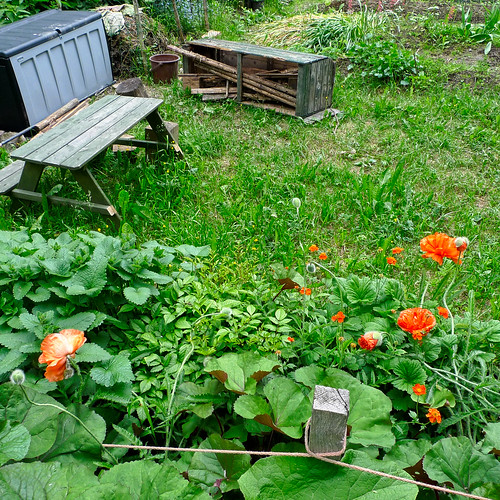
Garden, originally uploaded by jiihaa.

Some time ago I finished my SoFoBoMo book, but there were a couple of loose ends. I discovered a way of generating a small and good-quality PDF file from a Pages-generated output file. A related hint discussed the output of each pages as a separate jpeg file. Both solutions were based on the GhostScript software, which is preinstalled on Mac OX X.

I managed to make a Blurb book of my SoFoBoMo PDF file with these images files, importing the images to the BookSmart software (version 2.0) using the full-bleed layout and the 25 x 20 cm book size. I have ordered one printed copy of the book (the softcover version). I hope the book turns out well.

Also, I uploaded the PDF file to Issuu (see here) for easier browsing and viewing.

The image here was taken today, a hasty roadside snapshot.

Sunday, April 5, 2009

On the way to SoFoBoMo - making a practice photobook


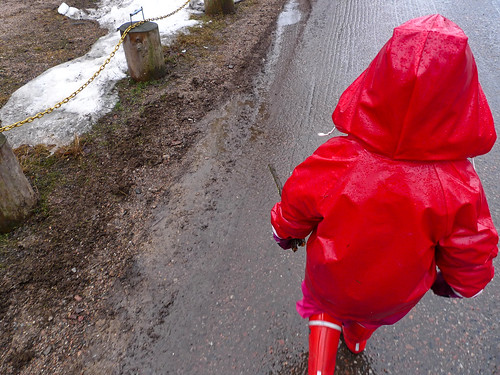
Red raincoat, originally uploaded by jiihaa.

Originally I wasn't going to do this, but then Paul Lester made a nice SoFoBoMo practice book, and that got me started on thinking about Pages, my selected typesetting program, which I don't know much about.

So I decided to use 1-2 hours to put together a photobook (1 MB PDF file) to see how hard it is with Pages, using some of my recent (last week or so) photographs as the material.

Was it hard? No, not so much, but there were some technical problems on the way. For example, I wanted to have a cover page and then an empty page, as in a normal book, after which would start the actual book from page 1. But I couldn't get Pages to manage the footers and page numbers the way I wanted. Either I had footers everywhere or nowhere. In the end I managed to make some sense of the "section" feature of Pages, and got the result I wanted.

What was good about Pages was the ease of putting the images where I wanted to have them, using the "image placeholder" functionality. What I suspect can be hard is finetuning the layout. I'm not at all familiar with the styles and other features in Pages which could help here, in making big changes to the layout at once. As the page size, I decided to use a 25x20 cm (10x8 inch) horizontal one. I'm not sure whether I'll stick with this in the final book, because for trees the vertical direction may be more important.

If you want to have a look at the result, the 20-page book "Wetness of Spring" is available as a PDF file. I had to use the least (worst?) quality in the export to PDF feature of Pages to get the file size to 1 MB. The better output levels generated a 6 MB and a 40 MB file, much too big I think.

One problem remains: I have still no idea how to generate bitmap images of the PDF pages to input into the Blurb sofware as full-bleed images for printing an actual book.

The photograph shown here is from yesterday, when it was raining. I didn't use this image in the book although perhaps I should have. But I'm not going to tweak the practice book any more. What I perhaps need to do is study the Pages software a bit more, those things which make it possible to automate some of the typesetting work - predefined templates etc. However, as I'm planning to include only 35 images or so, the amount of manual work shouldn't be that great.

Friday, March 27, 2009

Shooting trees as people


Playing, originally uploaded by jiihaa.


Tree with character, originally uploaded by jiihaa.


Bridge shadow, originally uploaded by jiihaa.

The spring progresses here in Finland. As snown in the first image, the melting snow makes ground wet, which is something new for the children to explore. The two other images illustrate my practice for SoFoBoMo '09, my "35 Trees" project.

I pondered a related subject at Andreas' blog some time ago: "Would it be possible to [...] photograph people like trees, or trees like people, cars like bicycles, mountains like flowers, etc. Probably not I guess."

In my project I'm testing out whether it is possible to think of trees as characters, the same way as taking photographs of people. This projects feels a bit crazy, but in a good way, making the project not too serious.

I have several other ideas for a SoFoBoMo project, and in fact when taking photographs I'm starting to think of the images as a beginning to a series. This is new for me - I have taken single images, not been thinking about a collection of them. However, the tree project feels like a natural for me although it remains to be seen whether something suprising happens.

Yesterday I tried making a photobook template in Pages. It turned out that it is straightforward to generate a high-quality PDF file from the program. But there was no apparent easy way of generating bitmap images of the pages for including as full-bleed images to the Blurb (or similar) POD system. Some other software is needed for this conversion.

I'm debating what would be the best size for the photobook. Previously, I made a 7x7 inch photobook with Blurb, and it turned out well. Perhaps this would be a good size here as well. On the other hand, most trees are tall, so a portrait-type book would be perhaps best. 8x10 inches?

Thursday, March 26, 2009

About printed and PDF photobooks


A hole in snow, originally uploaded by jiihaa.


Ducks in water, originally uploaded by jiihaa.

Today I wasn't much interested in photography, but took some photographs nevertheless. Here are two images, showing that spring is progressing little by little.

There has been discussion about photobooks on various forums related to SoFoBoMo '09, especially concerning the prind-on-demand (POD) publishers and their problems in handling PDF files. I'm interested in making both a PDF version of my SoFOBoMo book, and a printed one. And I don't much like the idea of doing the same thing twice, first for PDF and then for POD.

Markus Spring wrote a good comment on this: "So using any page layout software seems the way to go: Checking for the dimensions of the intended book-to-be-printed, doing the layout and exporting the pdf, and later on decide about physical printing."

I'm still hesitating between Scibus and Pages as my typesetting program. Pages is simpler, but Scribus has already proven (in SoFoBoMo '08) to handle both the PDF and printed photobook. For the POD publisher, I'll almost certain use Blurb, having had good experiences of their quality. (However, that was done using their own software for typesetting.)

Update: The column I wrote about photography in public places appeared today (in Finnish, Valokuvaaminen sallittu, kiitos!). It remains to be seen whether that generates any discussion on the topic.

Friday, March 13, 2009

Winter sunshine


Lighted branches, originally uploaded by jiihaa.


Fence and blue sky, originally uploaded by jiihaa.


Tree shapes, originally uploaded by jiihaa.

Today we had plenty of sun, and as the day is already 11 hours 31 minutes long, there was time for a walk by the river Vantaa before sunset. The white snow made the sunshine even brighter, and the blue sky was got even bluer towards the sunset. I went for another walk after sunset, taking even more photographs. (Should I say how many photographs I took today? Ok, about 250 in all.)

It seems that we will get some sunshine also tomorrow. I can't much complain about the winter during the last two months - since January we have had a really nice winter, lots of snow, possibilities for cross-country skiing, and enough variety in the weather so that it hasn't become boring. (Well, there were some cloudy stretches but that wasn't so bad after all.)

Now I'm looking forward to the spring. Soon the snow will start to melt and all kinds of things will start to appear. And first flowers, perhaps already in April, who knows.

And SoFoBoMo '09 is also approaching. I haven't done much thinking about it, but I have now a lot of expectations of having fun both with the camera and with the computer in typesetting the photobook. I have installed Scribus on my computer, and it seems to be quite easy to use for making photobooks. I'll probably use it, although there are other alternatives also. Pages would have been interesting to try out, but there seems to be nice instructions about using Scribus so I prefer it.

I think I'll make some kind of practise run before the real thing, though, perhaps one weekend of taking photographs and another typesetting a photobook.