Showing posts with label iPhoto. Show all posts

Tuesday, July 17, 2012

And he hears the rough winds blowing

Today I re-installed Aperture on the iMac at home, because I couldn't get it to update to version 3.3, which has been available for a while. I deleted the old version, and downloaded Aperture again from the App Store. Now I have version 3.3.1.

Starting up Aperture after the update took some time (and some processing is still going on as I write this). There is a new structure to the Library, which is now compatible with iPhoto. I do hope Aperture is now more reliable than what I have experienced with both iPhoto and Aperture earlier.

The interface has changed a bit, and there are some new features, copied from iPhoto to Aperture. But the changes are relatively minor, one should get used to them quickly enough. I experimented a bit with the new controls, but the best thing is that Aperture works as it should: it allows efficient automatization of the workflow.

See here and here and here and here and here what problems I have had with iPhoto and Aperture.

By the way, I did the same thing with 1Password - deleted and reinstalled it from App Store - and that cured the problem of accessing 1Password data from Chrome on my iMac. But on another Mac the problem still persists, I'm not able to use the 1Password extension properly with Chrome. Oh well...

But lets discuss cameras. Namely this seems to be a week for rumours, and one of the rumours concerns the Panasonic DMC-LX7. Apparently tomorrow morning there should be an announcement from Panasonic giving the details of the LX7, the successor to the LX5.

Thanks to Andreas and Art for the info on this, pointing to 43rumours and Engadget. Apparently the LX7 should have a MOS sensor, a 24-110mm f/1.4-2.3 lens, Venus VII picture engine, and a 3-inch display. The specs for the lens make me doubt the rumours, that would be quite a camera if this would be true.

And then there is the question of whether the new sensor would be really an improvement over the old one. I had to look up what MOS means, apparently it is rather interesting imaging sensor technology, used in the micro 4/3 cameras.

Well, maybe we see tomorrow what the LX7 looks like. It could mean serious competition to the Sony RX100 and the Samsung EX2F. (And Samsung apparently just dropped the price of the EX2F.)

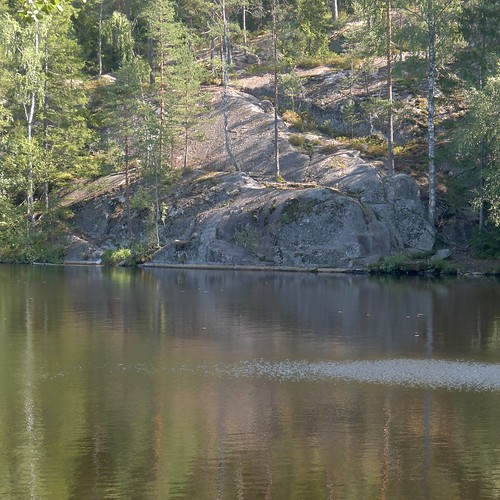
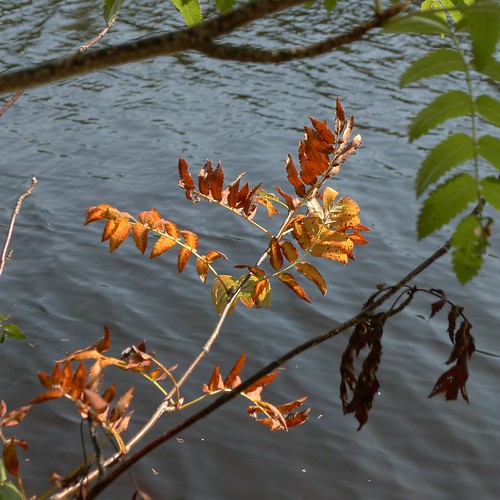
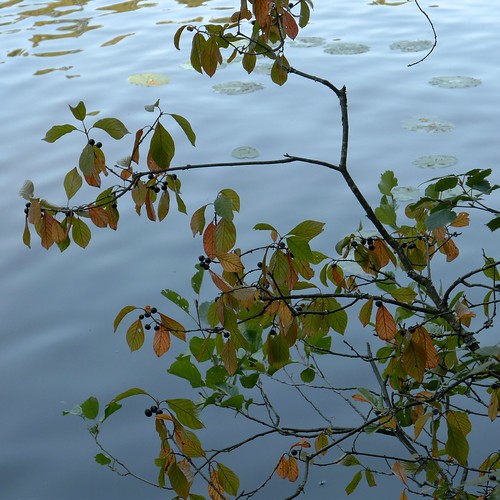
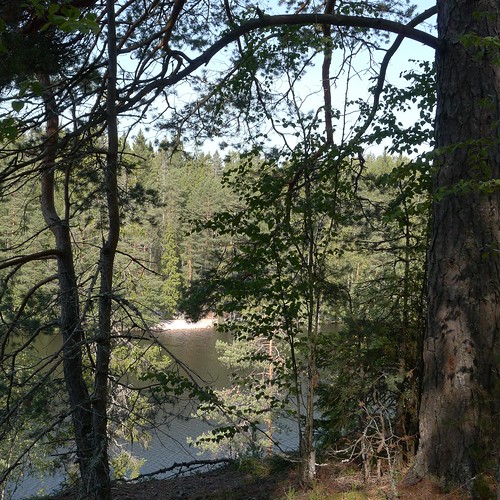
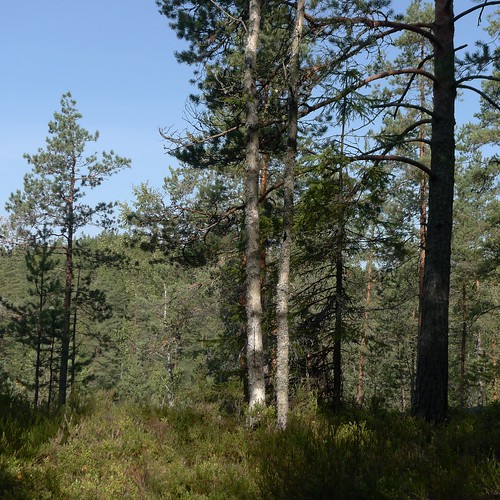
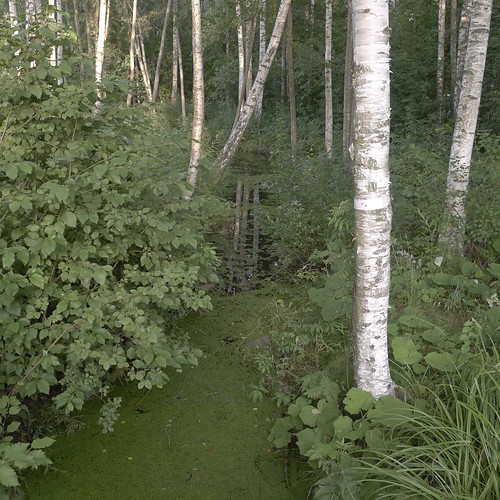
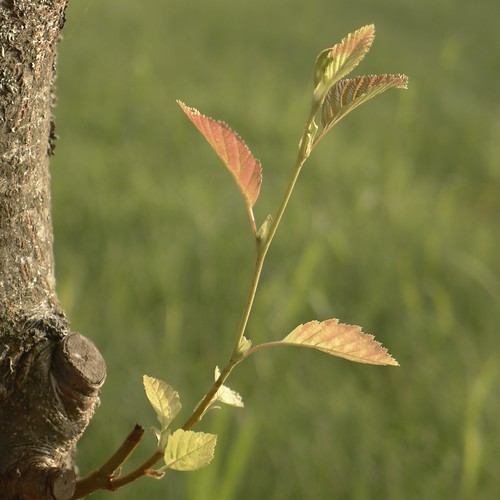
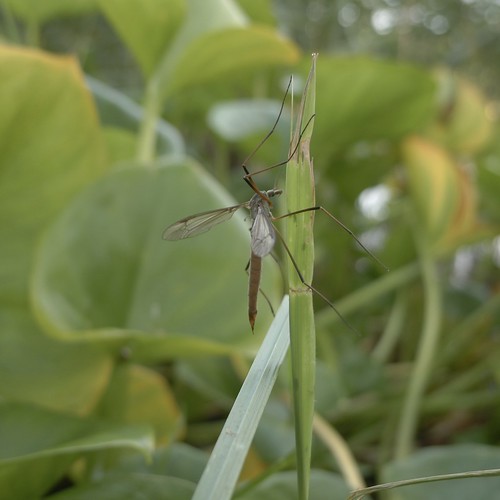
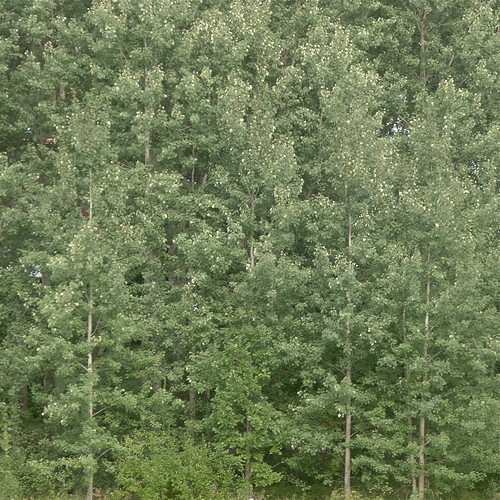
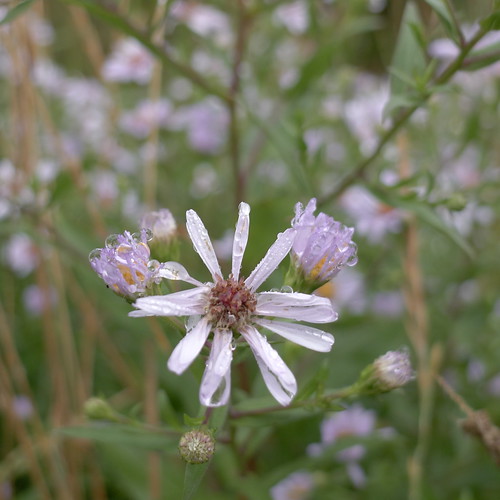
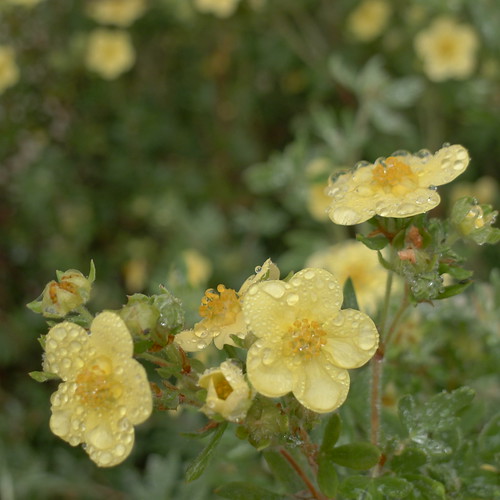
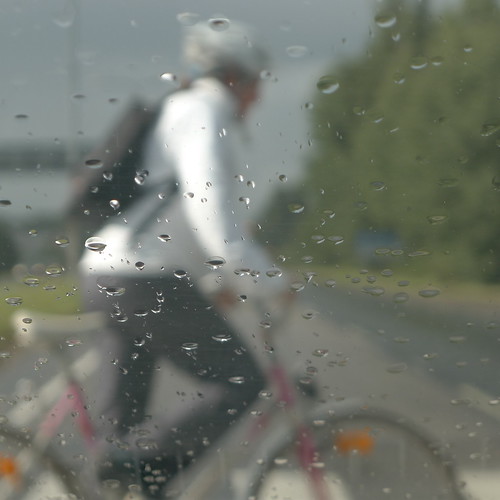
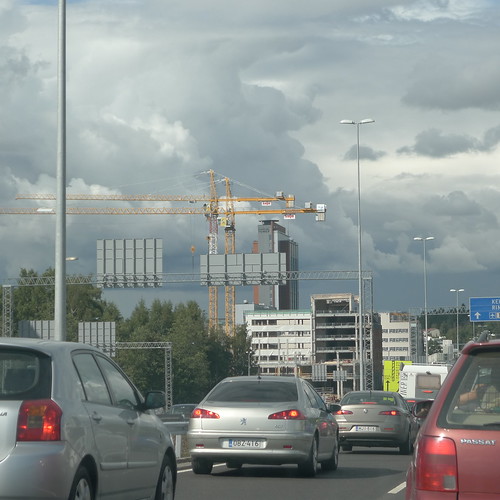
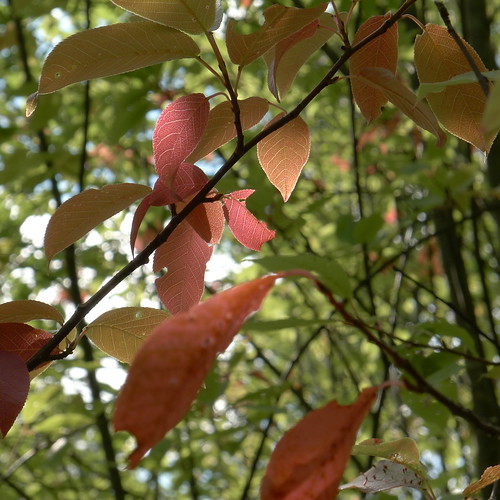
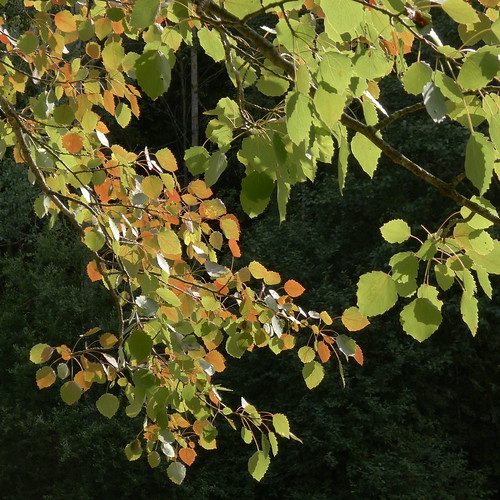
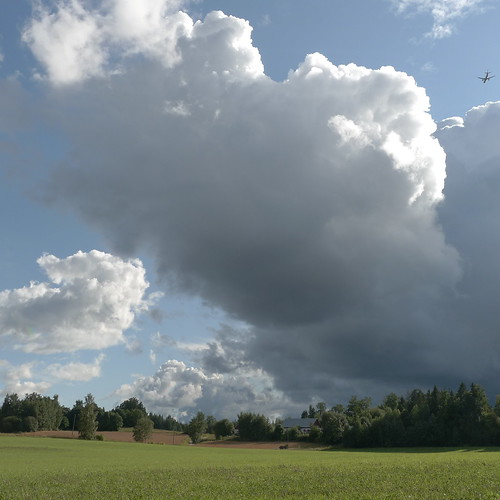
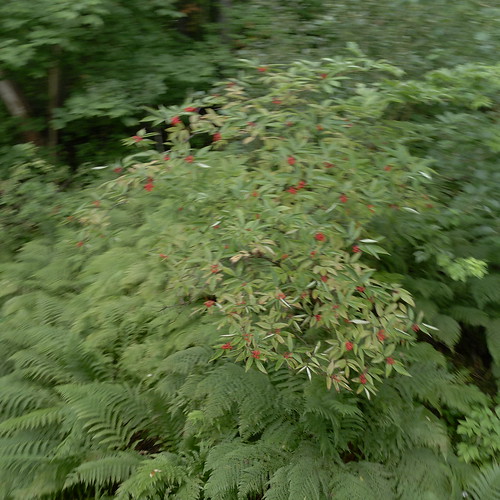
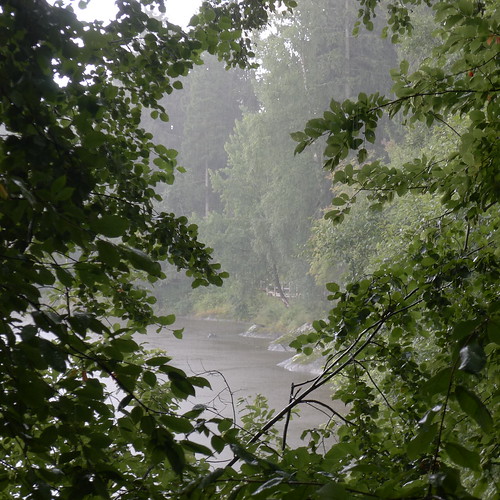
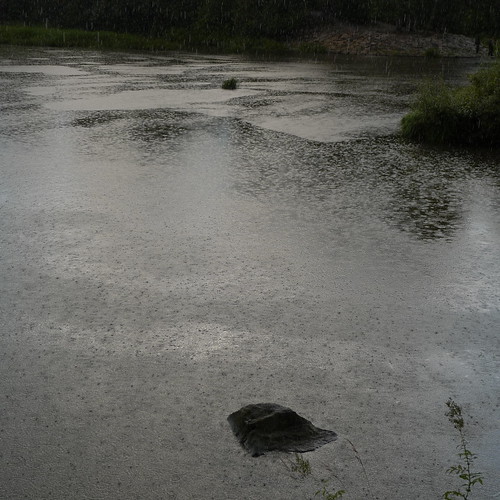
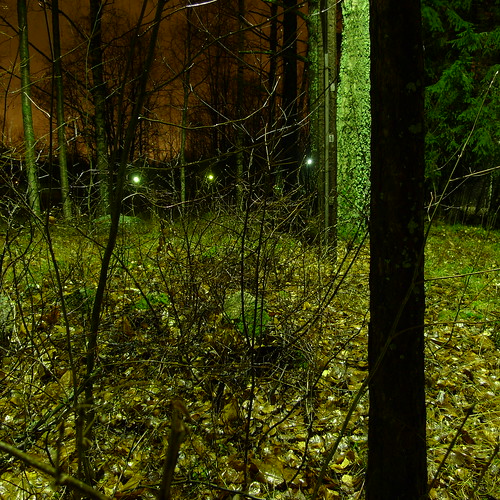
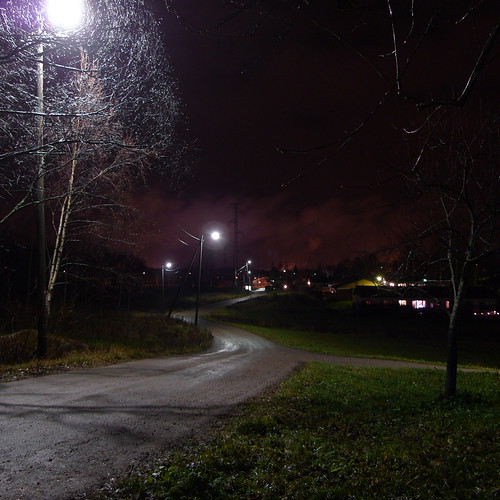
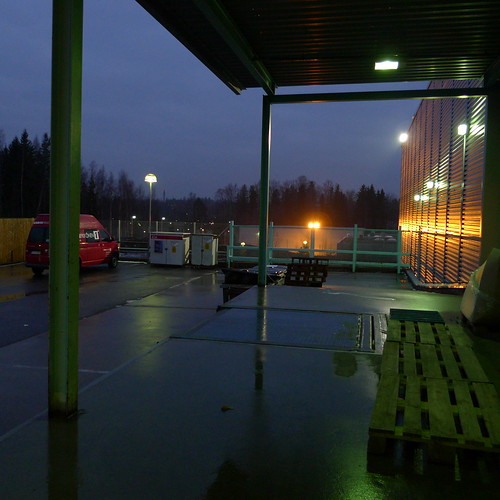
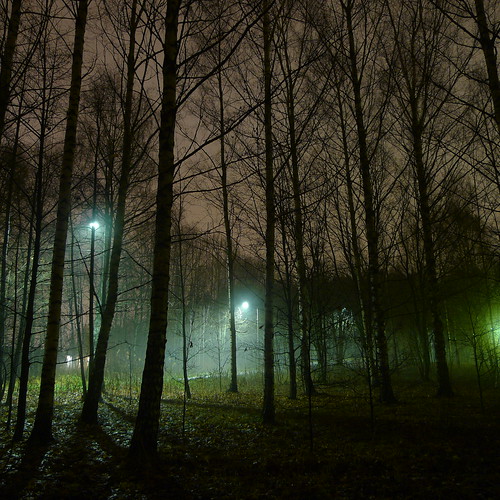
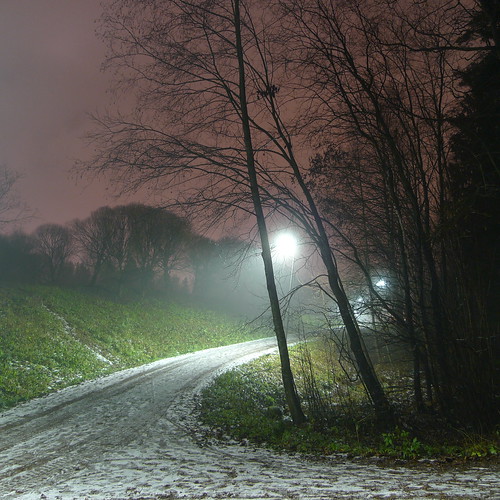
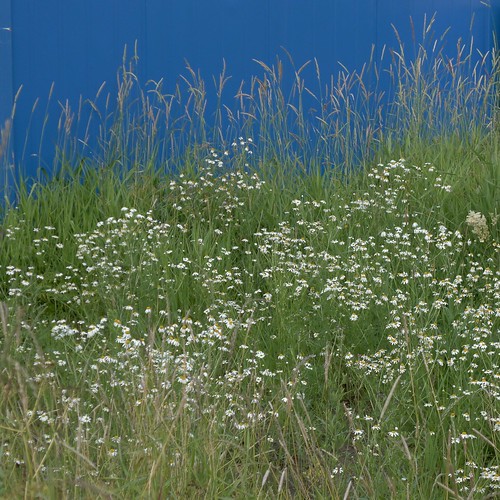
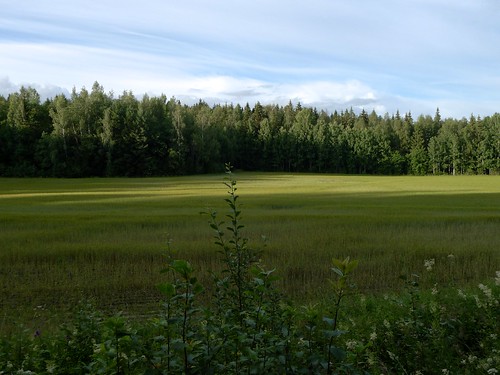
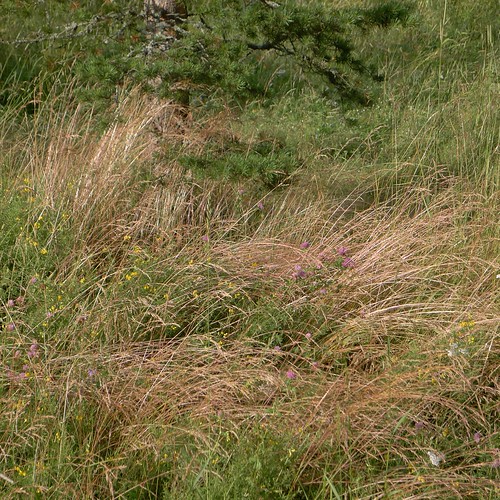
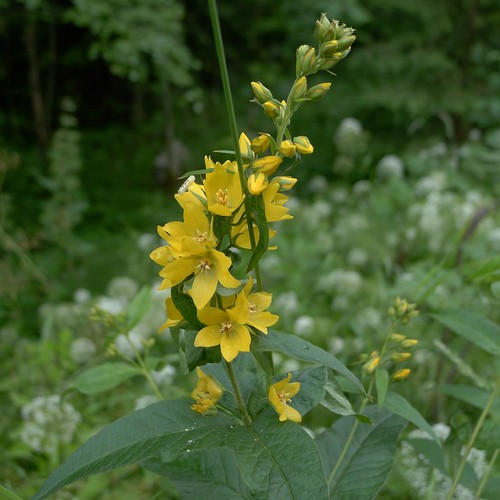
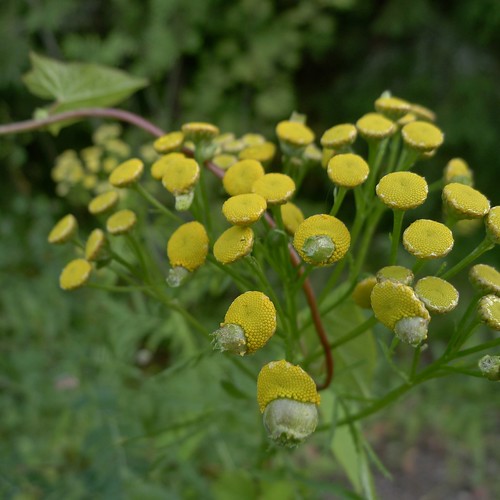
Lastly, about the photographs... After dinner I went for a walk with my daughter to the Petikko forests. There was a lot to be seen, after the rainy day.

(Posting title is from the poem A Leak in the Dike by Phoebe Cary.)

Saturday, August 27, 2011

Once again, a problem with rogue files - now Aperture is acting up

I switched from iPhoto to Aperture when iPhoto stopped removing the deleted photographs from disk, although I tried all kinds of tricks, including cleaning up the iPhoto Library down from 308 GB to less than 95 GB.

But when iPhoto once again stopped removing the deleted photographs from disk, I switched to Aperture, and everything seemed to be fine. But yesterday I noticed that disk space is once again consumed rapidly, and when I investigated I noticed that Aperture Library contained also those files which should have been removed from disk. The "Empty trash" command seemed to do nothing at all.

After searching for a solution on the net I finally resorted to giving Aperture some first aid: I repaired the database.

This took quite a while, and what happened was that all the deleted photographs appeared back in the project where I had deleted them from.

Oh no! Need I do the deletion once again? I tried deleting some photographs, but once again the Empty trash command didn't do anything. Should I leave the mess as it is or not?

Finally I realized that I could use an Aperture vault as a way of cleaning up the library, as Aperture doesn't copy the deleted files there (or so it seems). But first I had to get rid of the once-already-deleted photographs. What to do?

After looking at the metadata of the photographs I realized that I had the Flickr address in the metadata of all those photographs which I had uploaded to Flickr - and that was exactly those files I needed to save. Thanks to Christophe for the help on this. There is also another hint which helped me.

So, after this (and some more manual work) I now have the library in such a state that only the non-deleted files show up. But if I repair the database I'm sure the deleted files will show up once again, as they are still on disk inside Aperture Library.

However, I decided to check out whether there is something else which is causing the problems, from outside Aperture. I looked at the filesystem with Disk First Aid, and everything was in order.

Then I restarted the machine, and started to go through the photographs from today. And - surprise, surprise - Aperture emptied the trash exactly the way it should, and the deleted photographs appeared inside Finder Trash.

Because restarting the machine helped, the reason for the problems may be completely unrelated to Aperture (or iPhoto, for that matter). Or then it was just that the restart kicked Aperture somehow and for a while it behaves... Maybe there are some corrupted photographs which mess up both iPhoto and Aperture. How to know?

I'm getting really fed up with this: too much time spend in front of the computer, for sure!

Now I have all the right photographs showing up inside Aperture, but all those non-deleted ones are still hiding inside Aperture Library. And I'm sure one of these days the deletion will once again start acting up. This is bad!

PS. The photographs above were taken today at the Halkolampi lake in Luukki.

Wednesday, August 17, 2011

Heavy going with Aperture

Today I used, for the first time, Aperture 3 for importing the LX5 photographs, reviewing them, and making some adjustments. I even took some LX5 RAW photographs to see how it works.

I noticed right away that RAW isn't so easy after all, even though Aperture imported the files perfectly. The problem is how to get the results look as fine as the JPEG files from the LX5. I saved one preset which seemed promising, but still it wasn't satisfactory.

There is nothing like the LX5 film modes to be used in Aperture. Maybe someone would have useful presets for Aperture, modeled after the "nostalgic" film mode?

Another thing was that I shot those RAW files at ISO 400, to see whether the noise is better managed within Aperture. Problem was, there were a lot of textures in the photographs, and I couldn't see much noise at all. I gues I have to try some other subjects or higher ISO next.

By the way, I did some adjustments to the JPEG files as well in Aperture, to see what the results look like. Two of the above photographs are such, can you guess which?

Aperture seems to be quite a beast; many things are very, very different compared to iPhoto. Also, speed is an issue, as Aperture uses much more memory than iPhoto, and occasionally slows down a lot. On the other hand, there are things in which using Aperture is much faster than iPhoto.

Also, Aperture seems to cope well with getting rid of unneeded photographs, contrary to iPhoto which kept hiding them inside iPhoto Library. I guess there is no longer need to worry about running out of disk space any day soon.

And finally, I'm very pleased with Aperture pricing at App Store: 63 euro is not a bad price - and you can install Aperture on multiple computers which you own or control. Quite a deal!

Well, maybe one more thing. Do you know what are the best sources for learning Aperture for a smooth workflow, minimizing the time at the computer? And no fancy special effects either for me, preferably a "realistic" approach?

Tuesday, August 16, 2011

Is Aperture any good?

After all the trouble with iPhoto I have been thinking about switching to Aperture. What is nice is that there is a free 30-day trial for see what Aperture is about. I downloaded it and experimented, by importing the iPhoto Library to Aperture.

Aperture is quite a different program, although there is a family resemblance to iPhoto. But it is clearly a much more complex program, intended for serious workflow. Compared to PSE, I think it is rather well put together.

Importing the iPhoto Library went well, although it took a long, long time. But then there are a lot of questions, such as robustness of the program. I got Aperture once already stuck in a way that only Force Quit allowed to proceed, after restarting the program.

Also, what about uploading to Flickr, does it work properly, the way I want? Have to see.

A problem may be that Aperture seems to use much more memory than iPhoto. On the other hand, Aperture allows much more automation in workflows, and that would mean savings in the time spent on computer. Hmmm... Tempting.

Anyway, as Aperture can handle LX5 RAW files, it offers interesting possibilities, such as shooting at ISO 800 (or maybe ISO 400) during the dark winter time and still getting acceptable quality. One strength of Aperture seems to be handling high-ISO files. Shooting JPEG limits the ISO that can reasonably be used.

In other words, using RAW when needed I would be close to my dream camera with the LX5. That is, I could shoot handheld in most situations. That would be excellent indeed.

Monday, August 15, 2011

iPhoto is still not getting rid of deleted files

Do you know how to put iPhoto on a diet? Namely, I thought I had solved the issue of iPhoto not properly cleaning up deleted photographs from the library. Well, at least I got back 200 GB of disk space.

But today I noticed that disk space is being consumed rapidly - and iPhoto is the culprit. Since yesterday it hasn't cleaned up the deleted files when using the Empty trash command. All files are still there, hidden inside iPhoto Library.

Is there anything to be done? Wall, I can wait for a new version of iPhoto (who knows if there will be one which solves the issue); or periodically clean up the library (this takes several hours and may be risky); or switch to another program, e.g. Aperture. For now this isn't quite so urgent, as there is now 250 GB of free disk on the iMac, but at some point I need to do something.

Any recommendations?

Friday, August 12, 2011

Autumn captures - and some further words about iPhoto

Yesterday I solved a problem with iPhoto consuming excessive amounts of disk space on the iMac. iPhoto didn't remove the deleted files when told to do so - they were left hiding in the iPhoto Library, resulting in about 200 GB of wasted disk space.

Everything seems to work well now, and iPhoto is faster than before. In fact, it is much, much faster, for example when importing photographs.

Today I realized where the problems came from. Namely, I upgraded to iPhoto 9.0 (aka iPhoto '11) at about the same time when iPhoto stopped removing the deleted files. I think the upgrade went somehow wrong. This may be due to some occult circumstances, or the problem may be widespread.

Anyway, there seems to be some differences in the internal folder structure of the iPhoto Library now and before. There were some symbolic links to other directories (namely, Data and Originals) which are missing from the new iPhoto Library which was generated from scratch. Also, in the new iPhoto Library there is a "com.apple.iPhoto.plist" file which was missing from the old.

Well, I do hope iPhoto is now fixed. It is a bit worrisome that such things happen. I have been thinking about switching to Aperture (which directly supports LX5 RAW, by the way), but that would mean learning a new way of working.

Anyway, the dangers of iPhoto running amok are small compared to traffic. Today I noticed a guy who was talking into a mobile phone (not hands-free) and smoking, at the same time as he was driving. The phone was in his left hand and the cigaret in his right. And he was regularly ashing (is that the right word?) the cigaret out of the car window.

Thursday, August 11, 2011

Getting wet - and slashing iPhoto Library size to less than a third

Until now I had been using the LX5 after rain, or before rain, not in the rain. Today that changed. We were on a late afternoon walk along the Vantaa river when rain started pouring. I have been a bit wary of getting the LX5 wet but the promise of photographs was just too tempting. But it was just a few drops of water, otherwise I kept the camera covered.

Yesterday I asked for help with the problem of iPhoto disk use growing and growing, and got an excellent suggestion to check out the various directories hidden inside the iPhoto Library folder. I should have checked this at once and not tried to rely on iPhoto being able to recover from the problems by itself.

Anyway, it turned out that since October, 2010, iPhoto had not cleared out the deleted photographs, despite appearing to do so when I had emptied the trash in iPhoto. So, iPhoto had kept hiding away each day almost 1 GB worth of unneeded photographs, eating up disk space at the monthly rate of 25-40 GB.

I didn't even try cleaning up iPhoto manually. Up at Apple Support Discussions (currently on mainainance, but there is a Google cache) I found a hint to use iPhoto Library Manager to rebuild the iPhoto Library. This worked perfectly, but rebuilding took a long, long time - and it ended in an error message. However, everything seemed to be fine, at least the number of photographs and events match the old iPhoto Library.

Anyway, free space on the iMac hard disk got up from 67 GB to 278 GB. Not to speak of similar savings on the backup disks as well. And the iPhoto Library is now less than a third of what it used to be: down from 308 GB to less than 95 GB.

That was quite a change! For quite a while I don't (I hope) need to stress about having too little disk space.

Update: The story continued...

Wednesday, August 10, 2011

Any help on iPhoto disk use growing uncontrollably?

When I installed Lion (Mac OS X 10.7) on the iMac, the free space on the hard disk was at 110 GB. Now the free disk is disappearing, and I think iPhoto is to blame. There has been a decrease of 50 GB in the free space within a couple of weeks. (An a similar increase in iPhoto disk use.)

I have a bit more than 24,000 photographs in iPhoto, and the iPhoto folder consumes 307 GB. This doesn't hold - of most photographs there should be just one copy, and a miniature.

I tried fixing the library, but iPhoto got stuck at 95% completion level. I tried this a couple of times, with the same result (even after iPhoto had been going on for hours).

I haven't had other symptoms, except occasional slowness of the program. But I would like to get the disk space back. Any hints?

Thursday, November 11, 2010

From upgrades to updates


Dark, originally uploaded by jiihaa.

Twigs, originally uploaded by jiihaa.

Path, originally uploaded by jiihaa.

Lake, originally uploaded by jiihaa.

Wet, originally uploaded by jiihaa.

First we had snow, then fog, now rain. Sorry to disappoint Mark who liked my less dark photographs, but this set is dark.

Also, returning to the topic of that posting, there was a new version of iPhoto released, version 9.1, which was promised to contain stability improvements. And also version 10.6.5 of Mac OS X was released, which contained speed improvements for iPhoto. So things are getting better I guess - and perhaps the occasional freezes of iPhoto are now fixed.

Did I make a hasty investment in additional memory when upgrading from 4 GB to 6 GB? Probably not - memory is always faster than disk, and it is in any case becoming a bottleneck on the iMac, which is now 3 years 3 months old.

Also, I got in a comment by Ssp a link to a funny web site of iPhoto failing to recognize faces, or in fact recognizing faces where there are none. This was done with the iLife '09 version of iPhoto - I guess the iPhoto version number was 8.0 in these images.

By the way, the Apple naming scheme of the iLife application is strange, using both years and numbers. So, the new iPhoto I have belongs to iLife '11 and has version number 9.1.

After looking at the funny examples, it appears that the face recognition has changed somewhat between the versions 8.0 and 9.0. At least I didn't get to use the feature in this manner. In fact, I got the feeling that face recognition works now more as an assistant, not in charge. I didn't get many false positives - actually, only one; on the other hand, there are plenty of faces which the program doesn't recognize even after teaching it a lot.

So, is the feature a gimmick or not? Well, it works to some degree, so that you get at least some faces recognized, and can thus browse galleries organized by faces. On the other hand, it would take a lot of work to finish the organizing, that is, to teach the program the remaining faces. So, limited success.

Wednesday, November 10, 2010

From snow to fog (and some words on iPhoto 9.0)
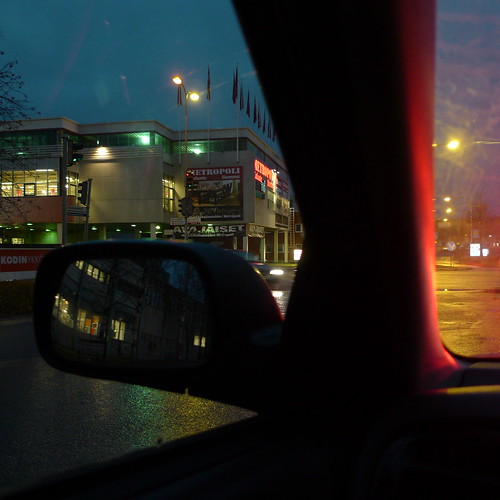

Street, originally uploaded by jiihaa.

Back view, originally uploaded by jiihaa.

Fog, originally uploaded by jiihaa.

Path, originally uploaded by jiihaa.

We didn't get the forecasted 5-10 cm of snow yesterday. Less than 1 cm was on the ground in the morning, and most of that has melted away by now. Instead of snow, we had fog today.

I have been sitting in a car quite a lot during the last few days, so here are a couple of more urban views, and also some foggy ones.

I promised to write some words about the new iPhoto 9.0, and here it is. Today I upgrade the memory on the iMac to 6 GB because of the slow performance of iPhoto - have to see if it helps. Anyway, I'm not alone with these problems: main memory seems to be the critical resource.

I have used iPhoto from Apple to organize my photograph workflow for several years. When I bought the iMac three years and three months ago, it had iPhoto 7.0 preinstalled. I didn't upgrade to iPhoto 8.0 when it came out, but now I decided to get the new iPhoto 9.0.

The Apple iLife '11 software suite is cheap, 49 euros for iPhoto, iMovie and GarageBand. Of these I don't use the other programs, only iPhoto, but this is a pretty good deal nevertheless.

I have used the new iPhoto only for a short while, so there is not much to report yet. The upgrade went quite ok, although it was time-consuming, as iPhoto includes a new database format which takes quite a while to get generated. (I copied the old iPhoto folder as a backup in case something went wrong with the update.) There was a small 9.0.1 update from Apple, which I installed right away.

The old iPhoto has been quite slow sometimes when importing photographs and organizing them. I haven't found the speed much different in iPhoto 9.0.1, although some things are snappier. Overall, about the same. On the other hand, I have taken relatively few photographs during the last days, so there hasn't been a need for lots of editing or organizing. Also, it may be that iPhoto will speed up - there may be still some initial indexing going on.

However, every so often iPhoto seems to freeze completely for some time, not responding to anything. I checked the memory use, and it was 50-100% more that I have been seeing with iPhoto 7.0. This made me decide to upgrade the memory from 4 GB to 6 GB on the iMac. The cost for the 4 GB memory stick was 105 euro, not bad.

One of the "new" things in iPhoto 9.0.1 is face recognition. I think this was present in 8.0 as well, but it never tempted. However, it seems to be useful, at least to a limited degree. It took over one hour for iPhoto to go through the photographs looking for faces; fortunately this happened in the background.

It was interesting to "teach" the program to recognize faces. I studied this topic years and years ago, in a seminar on neural networks organized by Erkki Oja. Thus it was interesting to see how this works now in practice. I have no idea whether iPhoto uses neural networks at all, but the principle of learning is the same.

It seems that iPhoto will only list those photographs in the faces gallery where it is sure enough about its decision. So, at least for now, there aren't that many photographs which it has managed to link to the names given as input. Also, for some reason iPhoto seems to have learned some faces much better than others. Maybe some faces are easier to recognize that other. Also, when children grow their faces do change, and this is probably a challenge to the program.

Also, interestingly, some photographs which had been lurking in some obscure corned of the iPhoto database turned up thanks to the face recognition feature. Maybe these were in the wrong folder or something, but it was nice to see new discoveries. And I think having such automatic organization of photographs is the way to go, provided it doesn't disturb too much the ordinary use of the program.

All in all, face recognition, even in this limited form, is quite interesting to explore. The other features I haven't yet explored much, but the program seems to be simple enough to use, and not too much different from 7.0, which is a good thing.

There is a bit more eye candy, which may be one reason for why the program sometimes seems to be a bit slower. The editing tools have been reorganized in a way which I like. Also, the full-screen browsing and editing mode works well, although there is some learning in the keyboard commands.

All in all, an ok update to the program. I hope the performance gets better now that there is more memory in the iMac.

Monday, March 30, 2009

Experiments in post-processing (preparations for SoFoBoMo)


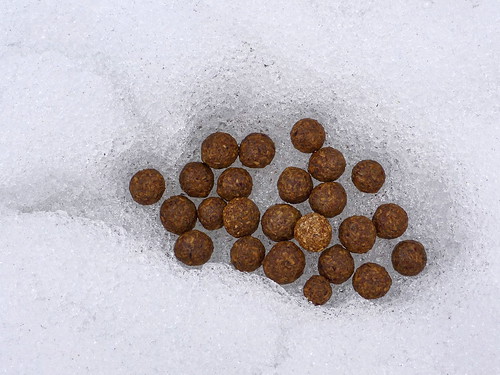
Brown and round, originally uploaded by jiihaa.


Red berries, originally uploaded by jiihaa.


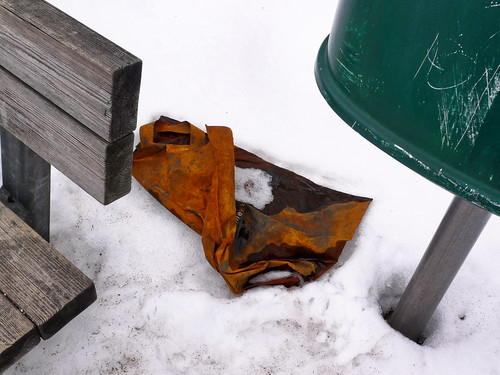
Brownish plastic bag, originally uploaded by jiihaa.

Usually I don't do heavy post-processing to my photographs, trying to maintain a natural look. But recently I have started to do some experiments with more dramatic post-processing. Often I haven't really liked the results, although the images may have had more impact than the original ones.

Today the conditions were such that all images I took were more or less lifeless, so I had to do something. After some experimentation in LightZone, it appeared that increasing the local contrast and selectively brightening the colors made the difference from flat images to moderately lively images.

Here are three such images, all processed approximately the same way, although the final "heaviness" of the processing changes from image to image.

One reason for this experimentation is to explore the limits of what I'm ready to do with my images. In the SoFoBoMo project I think some post-processing is needed to get the impact I want, and thus I need at least a rudimentar grasp on what is possible with the tools I have available (iPhoto, LightZone, Photoshop Elements etc.).