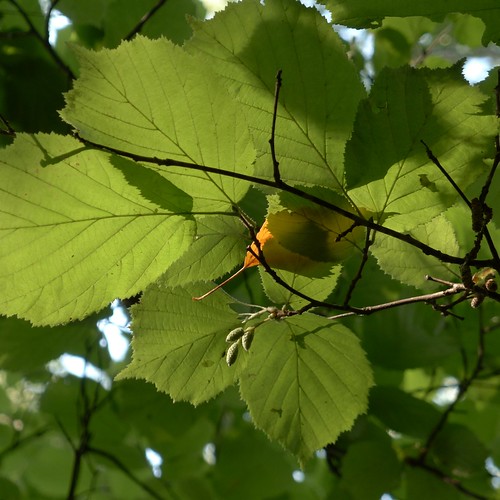
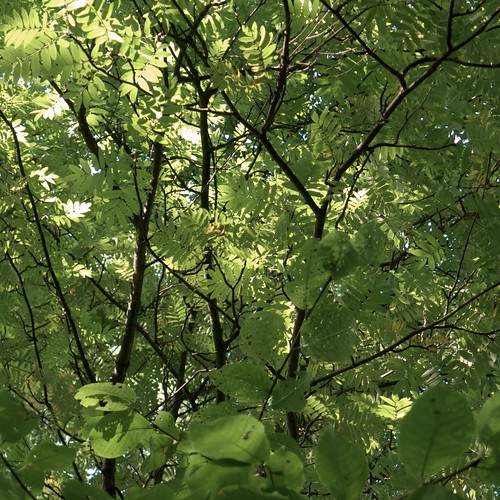
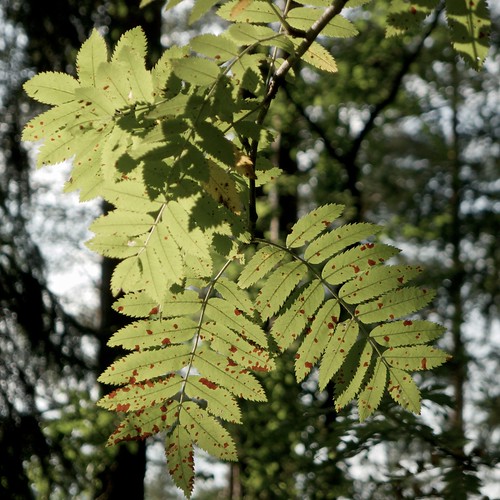
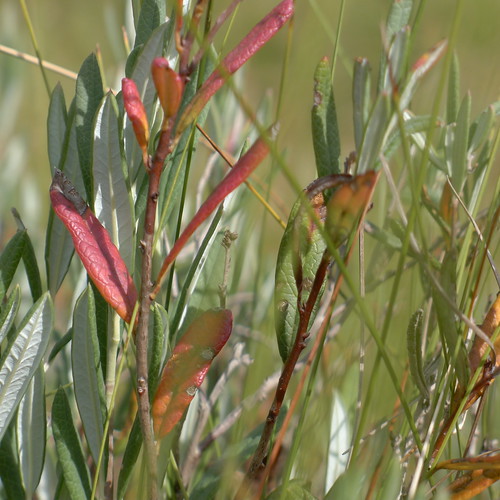
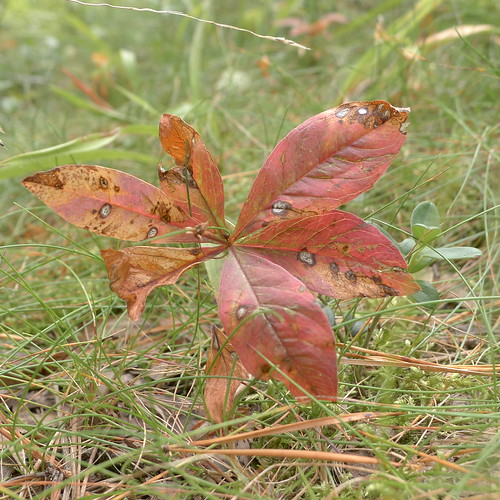
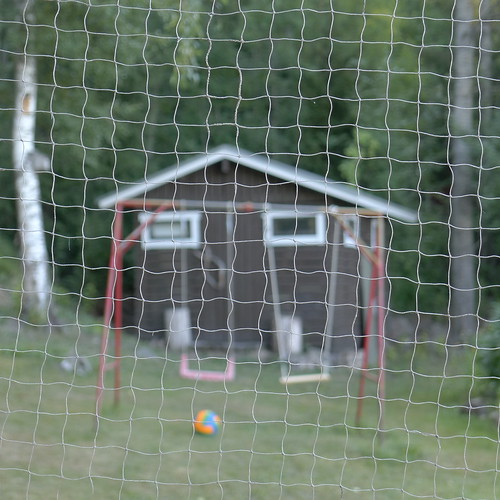
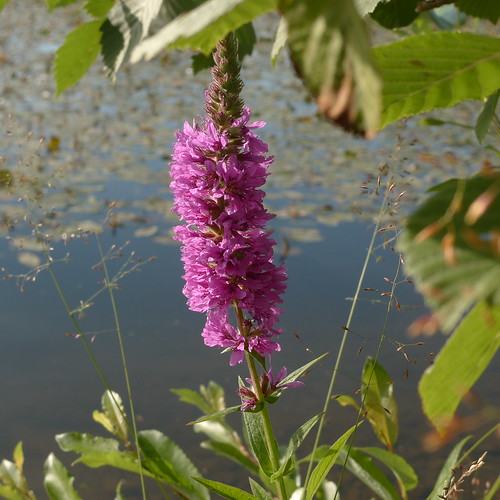
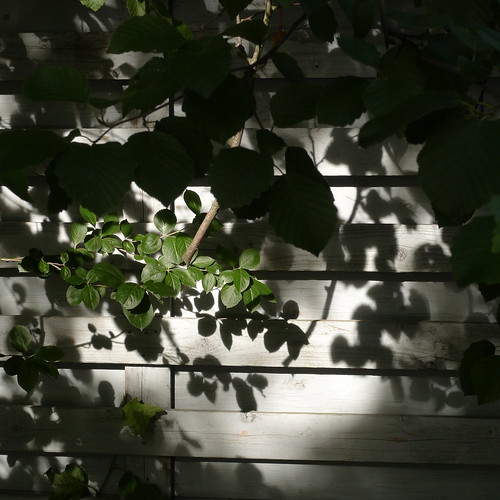
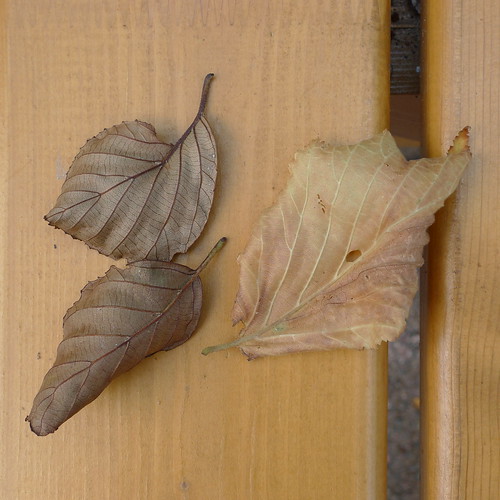
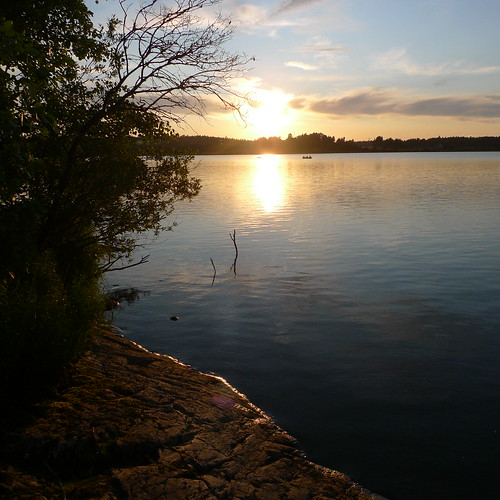
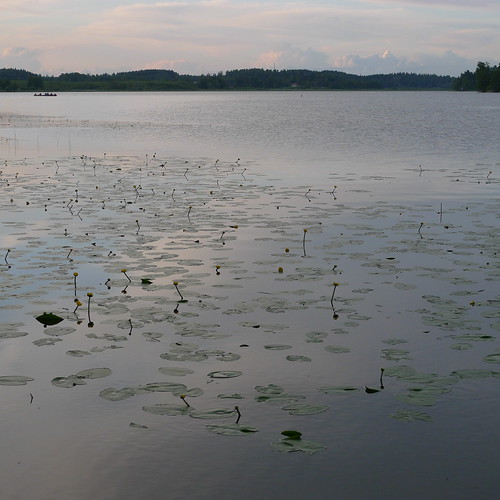
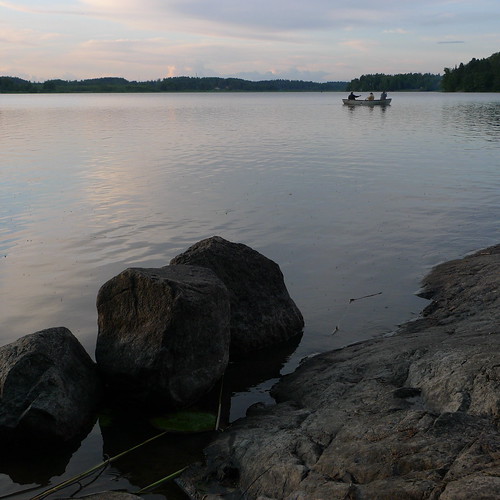
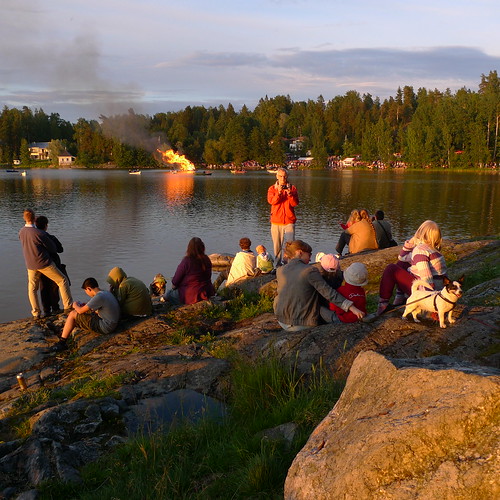
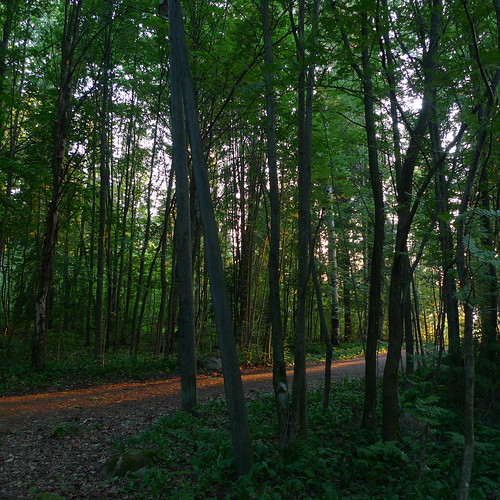
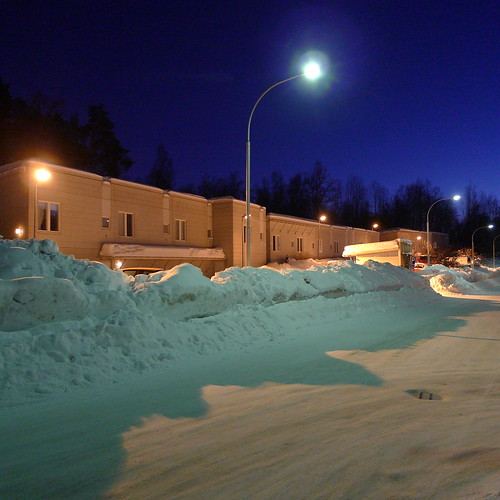
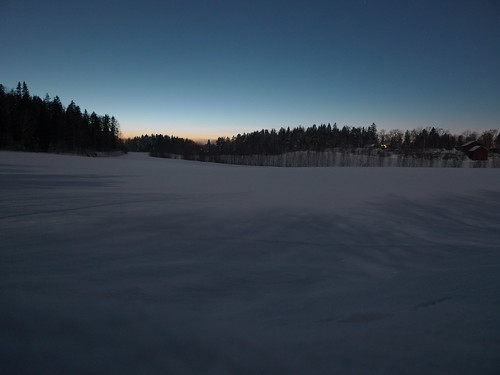
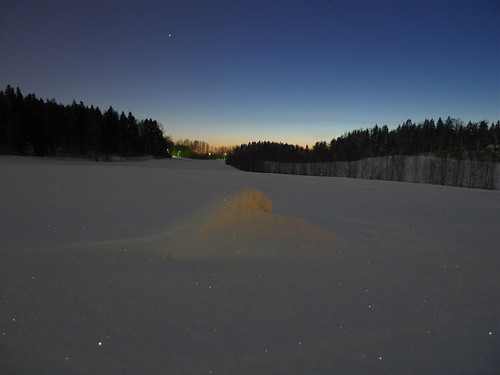
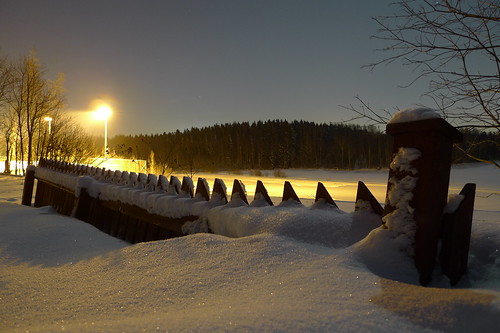
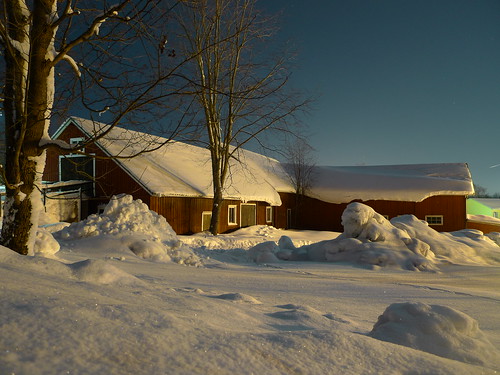
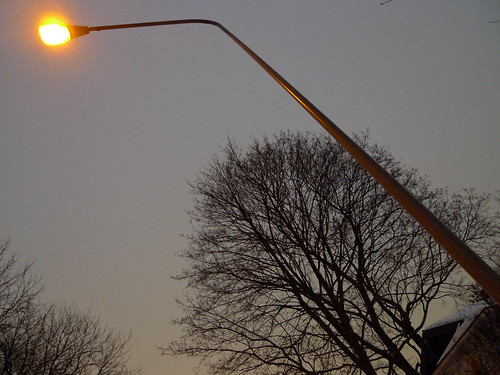
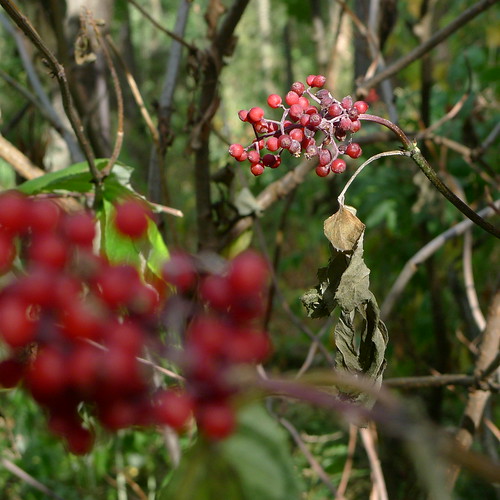
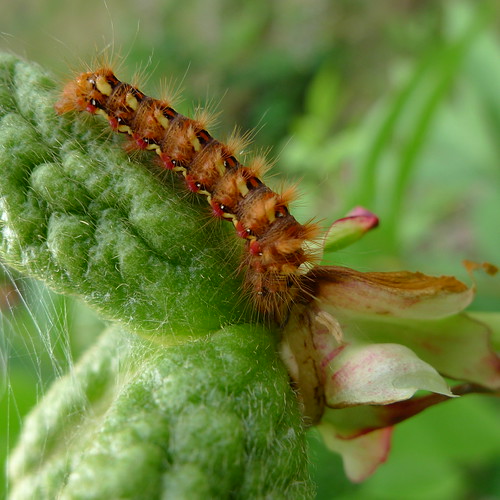
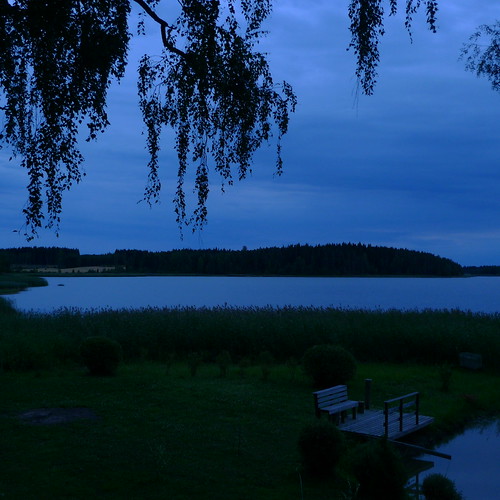
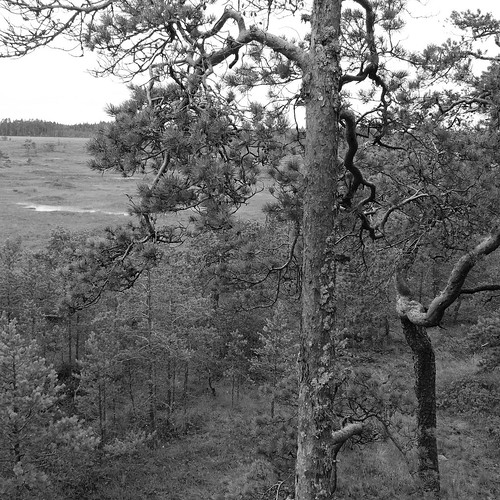
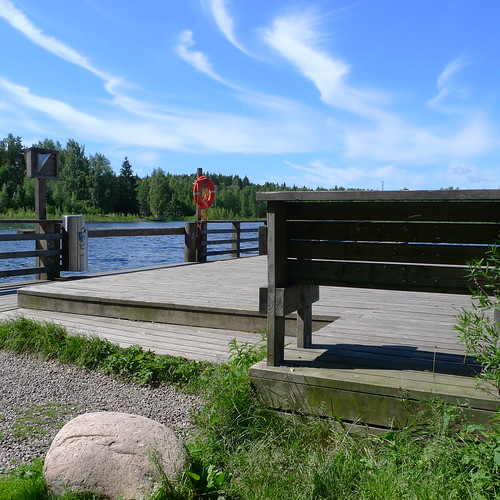
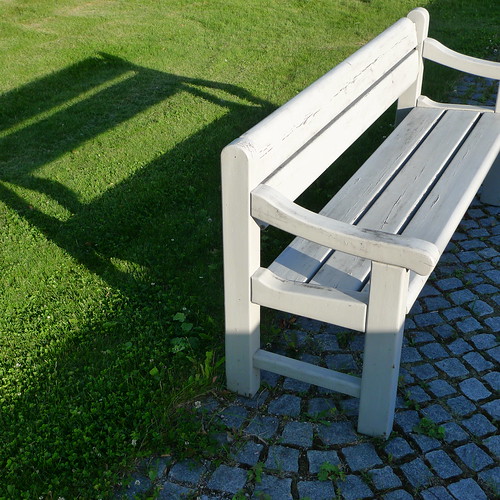
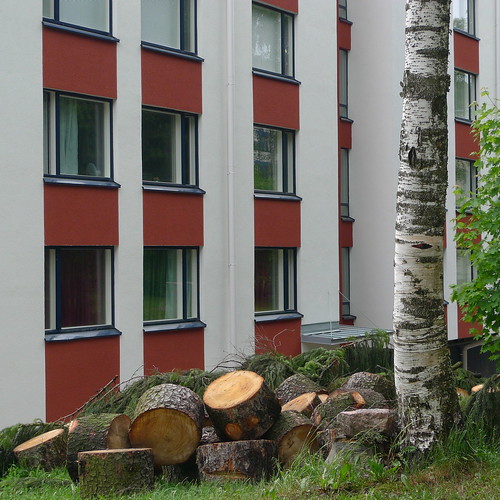
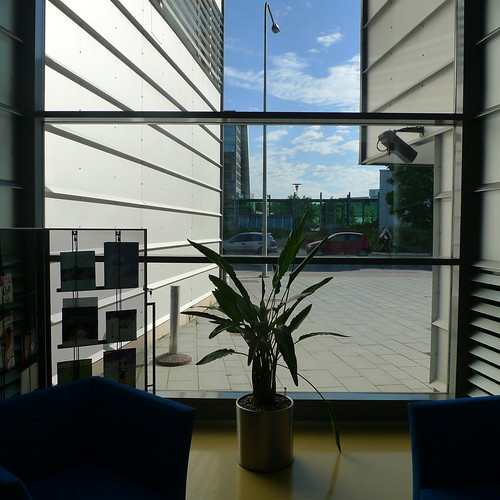
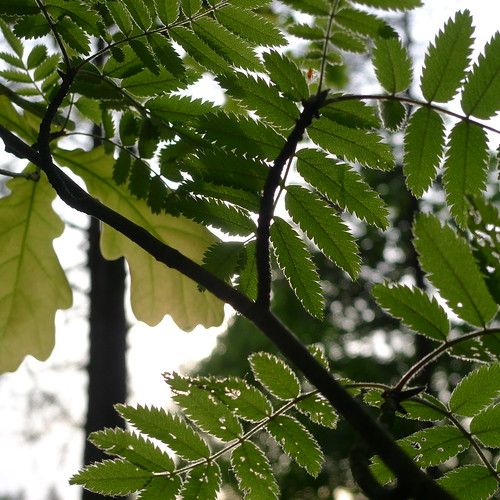
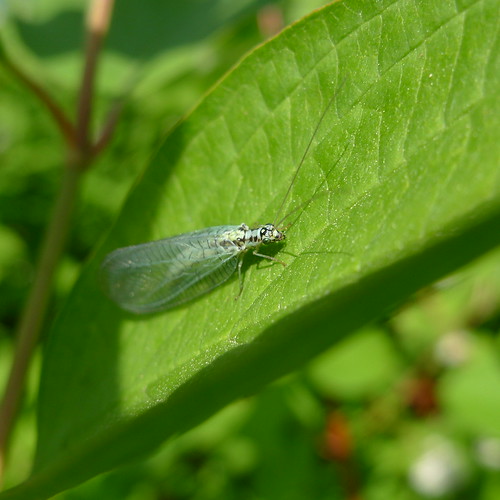
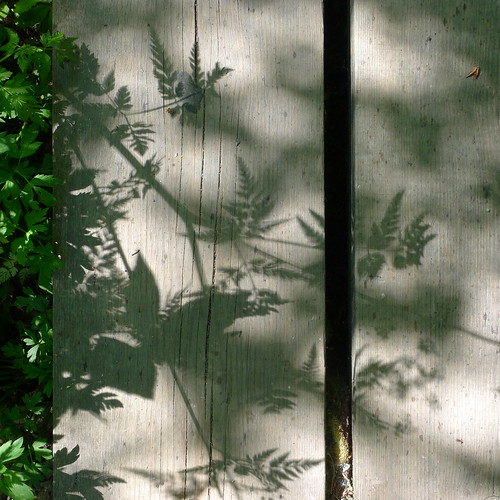
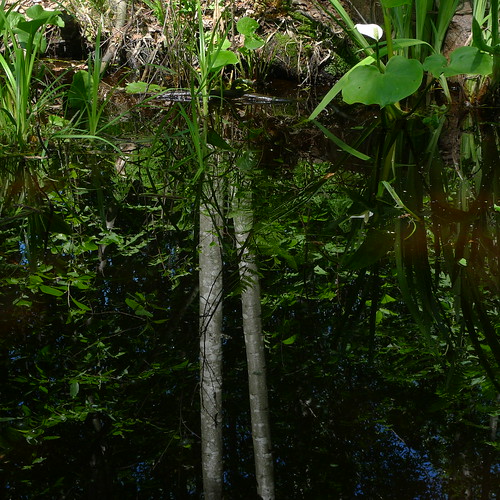
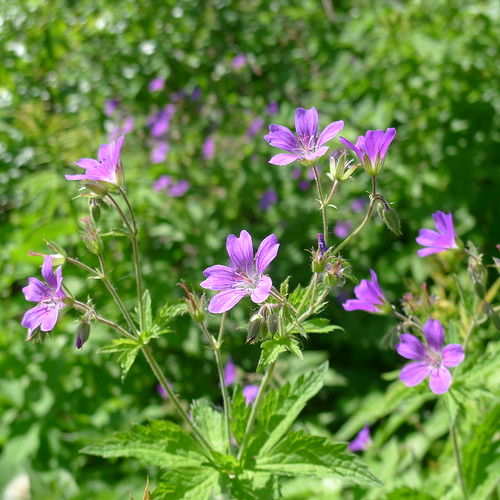
I made today a short walk in a forest nearby, looking up there. And I continued to experiment with LX5 RAW files in Aperture: only one of the above photographs is a JPEG file from the camera.
I had a look at Aperture User Manual, and several unclear things became clear, such as what "master" means and how versions are derived from a master. Seems to be a very smart implementation!
I also learned the meaning of some terms, such as projects, albums, folders and vaults, and it is all a bit mixed up in my head now. But in time I guess I'll learn to use these things properly.
Concerning vaults, one question which arose was the topic of backup. With iPhoto I relied on Time Machine, but Aperture has also vaults for backing up photographs - should one use those or rely on Time Machine?
There is a drawback to the complexity of Aperture: it needs some investment to use it properly, and there is the question of other family members learning to use it also, to view photographs. But because Aperture is so complex you can easily get lost, or do something which you can't recover from, making a mess of things. In that sense iPhoto was much better, really simple and not easy to get lost in, or do much damage to the photographs there.
Another thing: I realized you can make a photo book from start to finish in Aperture, generate a PDF out of it, and get it printed at Blurb. (See here.)
This might be the perfect way of making photo books - no need to use Pages any more. But maybe there is some catch I don't know yet about.
Speaking of photo books, I got the last of my SoFoBoMo books from Blurb, The Secret of Tremanskärr. I printed this in hardcover, and as I found a 20% off coupon somewhere on the net, the price was about the same as for a softcover. But I forgot to check one thing: there was nothing printed on the spine of the book, although it would have been a nice touch. (With thin softcover books Blurb is not able to put text on the spine.)
Anyway, the hardcover book was nice indeed - I used "imagewrap" to get the photographs on the covers go around the edges. And print quality was once again reliable. My only wish was to have better photographs in the book...
Wednesday, August 24, 2011
Looking up - and into the Aperture user manual
Sunday, August 14, 2011
The Secret of Tremanskärr - yet another SoFoBoMo 2011 photo book
Yesterday I complained about lack of motivation; today I made a photo book, from start to finish, in less than 12 hours.
The Tremanskärr nature reserve in Espoo is a great place to visit, offering a lot of swamp types, forests, and a lake. I took 1042 photographs there today, and out of these I made a 64-page photo book titled The Secret of Tremanskärr. It is available in PDF (11 MB file) at the SoFoBoMo site.
By the way, I'm starting to wonder about how well the Panasonic LX5 batteries perform. I'm now at the fifth charge of the batteries, at over 6000 photographs taken. Today the first battery run out after 11 photographs, and with the second one - a Panasonic original, I don't dare to buy copies - I took 1000+ photographs. And there is still plenty of juice left (full three bars).
I think the battery is rated at 400 photographs, and I'm getting more than three times that amount. There are several reasons, such my shooting habits. Typically I keep the camera on just a few seconds, taking only a few photographs in quick succession. Another reason may be that I'm shooting 1:1 format, which has less pixels to push. Also, it may be that using aperture priority with most of "intelligent automatics" turned off may conserve energy.
Anyway, I'm much pleased with the batteries. With the LX3 I typically got up to 800 photographs; with the LX5 I'm getting 50% more with one charge.
Thursday, August 4, 2011
Back to photography - a second SoFoBoMo 2011 photo book
I'll come back to my comparison between the Panasonic LX3 and LX5 in a day or two. But first some photographs, in a book.
The best way to learn to use a camera is to use it. This I have done after I got the LX5 on Monday. In fact, it turned out that there were enough photographs to make a SoFoBoMo 2011 book. After the first round of deletion I had 281 photographs, of which 68 were included in the book.
In 2010 I made a photo book using black-and-white photographs in 1:1 aspect ratio (square format). The title of that book was Summer in black and white squared. This year I though it would be good to be a bit less dogmatic: use color, and allow other aspect ratios.
The new book is titled From Pukaro to Valkmusa, and it is available in the PDF format (12.7 MB file).
This photo book illustrates summer in Finland: marsh, forest and lake views as well as garden, grill and sauna activities. The title refers to two places: Pukaron Paroni, a shopping center for travellers on the road 6, and Valkmusa National Park, where you can explore more than 30 different swamp types.
I benefited greatly from the instructions on making photo books which I updated earlier this summer when I made the first SoFoBoMo 2011 book, Treasure Pond. This time I made some improvements to the earlier efforts, fine-tuning the workflow. Tomorrow I'll try to make the Blurb version of the book to get a printed copy.
All in all, I have found the LX5 to be an excellent tool for photography. There were some minor problems, but nothing major. I'll come back to this later.
Monday, July 25, 2011
Printing the SoFoBoMo photo book via Blurb
Last week I discussed my SoFoBoMo 2011 project, a photo book titled Treasure Pond. It is available at the SoFoBoMo site, and also as a Blurb version.
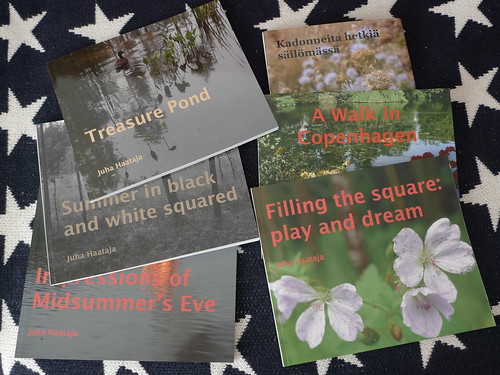
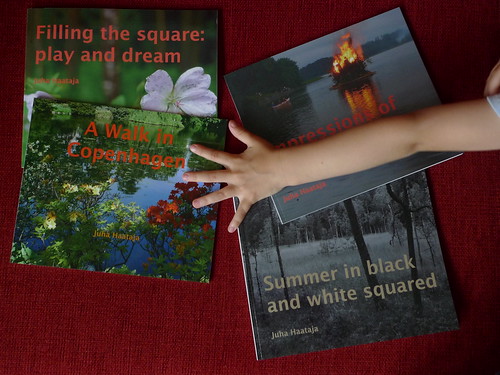
In the above photograph you see all the photo books I have made so far using the Blurb service. If you want to know more about making photo books, see my instructions page.
It took some time for the printed Blurb book to arrive. I got the shipping confirmation on Monday, July 18th, and the book arrived on Friday, July 22nd. Last year the delivery was much faster - I got the shipment the next day after receiving the shipping confirmation. I guess the "priority" delivery isn't so priority after all (it is the cheapest option).
The quality was as expected, not big surprises. Some things need to be improved next time, if there is one, for example I forgot to check the placement of the matrix barcode on the back cover, and it was overlapping with the last character of the text there. And the placement of the title text should have been a bit further away from the gutter.
The image quality was good - I was using the premium "lustre" option - and there were no physical blemishes in the printed book.
The photographs of course could have been better; maybe I should have deleted a dozen more. However, I have often felt a bit of disappointment after looking at the printed copy of the finished work.
It is good to let the book rest a bit and only then make an appraisal. The SoFoBoMo books from last year seem now much better than they felt right after the event.
Anyway, I like the Blurb service, as the output seems to be of reliable high quality. If I were making individual prints then there would be room for much more finetuning regarding the print quality, but for making a photo book, the Blurb service works fine. (Especially given my radically simple jpeg workflow.) And despite that there was a little bit of extra work needed with Blurb, I think it isn't such a big deal.
Thursday, July 14, 2011
On making photo books - lesson learned in SoFoBoMo 2011
Yesterday I posted a few words about my SoFoBoMo 2011 project, a photo book titled Treasure Pond. It is available at the SoFoBoMo site, and also as a Blurb version.
I have ordered a printed book from Blurb, but it will take some days until I can judge the quality. Last year it was rather good.
Here are some lessons learned which I hope will benefit others, either doing a SoFoBoMo project or doing a photo book for other reasons. These are a kind of addendum to my instructions on making photo books. I'll update that document at some point. It was really useful to have such notes from last year to help to make a photo book.
First, one should think about the page size, or at least the aspect ratio of the pages. I forgot to check whether the VioVio.com service supports 25 cm x 20 cm format, and it didn't, so I couldn't use the service for printing my PDF file.
(As a sidenote, I probably would have needed to change the book format in Pages anyway, to help in getting the material positioned just right on the pages, as the Viovio.com service seems to trim more out of the page edges than Blurb.com.)
Related to the above point, one should think carefully whether you need a PDF file, or a printed book, or both. For SoFoBoMo, a PDF versio is sufficient, but I like to have a printed book to browse, so I need both. But this complicates matters.
If you don't need a PDF file, then there are a multitude of web sites and programs (iPhoto etc.) to make a photo book - plenty of choices for both a beginner and for a professional.
The same applies to PDF files as well, as long as you think carefully about the technical issues, such as maximun file size (15 MB in SoFoBoMo) and similar stuff. Also, when you are not limited to a physical paper size, you can get creative with the PDF format.
However, when you need both a PDF file and a printed book, you need to proceed with caution. The mistake I made was not looking at all the little details when testing out the Viovio.com service.
I uploaded my last year SoFoBoMo PDF file to the site, but didn't try out the whole workflow all the way to ordering a book. And so I didn't realize there was a mismatch between the paper size (aspect ratio) of my PDF file and the selection of book formats which Viovio.com supports.
And so when I had my new photo book ready as a PDF file, I got stumped at the end. But all turned out ok, because I had Blurb as a second option, well tested. A bit of extra work only.
Any other lessons? Well, it depends on what you aim for. My photo books are rather modest in scope and ambition, like a snapshot of work-in-progress captured on book pages. Thus, I have tried to make the workflow as easy as possible, and as automated as possible.
Maybe next year I'll try something more involved, like different formats for different pages of the book, and such things. But for now, I like this approach as it doesn't need much extra work. I just drop the photographs where they belong on the pre-formatted pages.
Well, here is one little invention I used this year. When I had the initial set of 362 photographs in iPhoto, I divided the photographs into iPhoto events, trying to categorize them into chapters for the book. This worked well, although I changed the plan a couple of times.
But typesetting was much easier after the division into events was done. This helped tremendously in eliminating the organizing work in Pages, and speeded up the work quite a lot. Of course, I had to make corrections in the plan, but nothing really drastic.
How it is with you, are you making a SoFoBoMo 2011 project, or a photo book for another reason?
Wednesday, July 13, 2011
Treasure Pond - a SoFoBoMo 2011 photo book
For a couple of days, I have done some work on a photo book project, inspired by SoFoBoMo 2011: "SoFoBoMo is short for Solo Photo Book Month - a group event where a bunch of photographers all make solo photo books start to finish in 31 days."
The title of the book is Treasure Pond, and a version of it is now available at the SoFoBoMo site in PDF format (13 MB file).
I started taking photographs on July 10th, and on July 12th I started the final typesetting and text writing. Today I tweaked the book quite a lot, deleting a dozen pages, improving the texts, and fixing mistakes. It was all done quite hastily, but I felt this was better than try to make a perfect book. With all the mistakes still in, at least I managed to finish the thing.
Some statistics: I took about 2800 photographs, of which 362 survived the first round of deleting. There are 75 pages, and 62 photographs were included in the book.
I'm still in the progress of checking whether something absolutely needs to be fixed in the photo book, so any feedback is welcome.
I'm planning to make a printed book using the VioVio service, which should accept a PDF file as input, eliminating the extra work needed in using Blurb. Of course, some problems may appear, but it is worth trying out.
Update: Using VioVio didn't work out - I should have checked the available paper sizes beforehand. Size 25x20 cm is not available, and I don't want to tweak the design of the book any more. So, I'll use Blurb as before, it should be relatively straightforward anyway.
Update 2: While doing the book composing in Blurb BookSmart, I noticed a problem on page 40 of the PDF, the photograph was slightly misplaced. I'll upload a new PDF as soon as I get the Blurb version worked out.
Update 3: I made some instruction-type notes about this year's SoFoBoMo experiences, I hope they are useful.
Saturday, June 25, 2011
Fire and water - Midsummer's Eve
Last year I made a photo book during Midsummer, from start to finish, for the SoFoBoMo 2010 project.
SoFoBoMo 2011 hasn't yet started, so there wasn't such an incentive this year, but I did take some photographs nevertheless. Having an event such as SoFoBoMo really can make a difference in going from individual photographs to a whole book; there is the community, and you feel you are not alone in what you do.
The 2010 SoFoBoMo book was titled Impressions of Midsummer's Eve (4 MB PDF file). It is the most popular of my SoFoBoMo books, having been read 566 times so far. And I'm rather satisfied with the result. Even though there are things one could improve, the spontaneous work from start to finish feels good even today.
If you want to know more about photo books, I wrote some instructions based on my SoFoBoMo experiences. And have a look at the SoFoBoMo 2011 site. Today 265 people have pledged to take part, and participants can start in 6 days.
Tuesday, February 15, 2011
Making prints (and photo books)
I got a question whether I have some of my own photographs printed and hanging on the wall. I pondered whether this is a matter of "eating your own dogfood", but perhaps this saying is not appropriate here. In any case, the answer is no, not currently - although we do have some family photographs on display, but that is another matter.
The only recent "prints" I have made of my landscape photographs are the photo books in SoFoBoMo projects. I have used the Standard Landscape format a Blurb, in softcover (book dimension 25 × 20 cm). This is a nice small thing to handle, and the images are big enough to give some impact.
For SoFoBoMo 2011 I have been thinking whether to try the Large Landscape format, which is hardcover and the dimensions are 33 × 28 cm. I thought I would aim for something more substantial than so far, maybe 60-80 pages or so, and the format such that it would include some text and perhaps some inventive layouts as well. I think the initial format would be an evolution of my SoFoBoMo 2010 books, something between Filling the square: play and dream and Summer in black and white squared.
As the SoFoBoMo month moves one month forward each year, the event will soon take place in autumn, during the time when the leaf colors come out. Then I could make a photo book of colorful trees. (By the way, is the right term "fall foliage", "autumn leaf colors" or what? In Finnish we say "ruska".)
One aspect of having photographs hanging on the wall is the printing: what is the best way to do it? I currently have a cheap Canon inkjet which I occasionally use for printing out family snapshots and such, but for something hanging on the wall one needs to have a reliable workflow, including color profiles etc.
In the TOP print sale there was this impressive statement about the paper and printing: "Both of these prints are made on Canson Platine Fibre Rag paper on an Epson 11880 using Epson UltraChrome K3 inks."
Would there be a way of approaching such quality through the commercial photograph printing services? And I suspect one would need to do some experiments to get the prints just right, for example fine-tuning the sharpness etc. settings.
Also, one would need a photograph which would be worth hanging on the wall. As my intent is not to make anything of such lofty ambition level but just to practice taking photographs for the fun of it, I'm not sure whether this is the way to go. But maybe some day there will be a photograph which would be just right on the wall.
As to the question whether I have something close to the Charles Cramer print which I bought, I didn't find any. And last year autumn was so terribly wet that I mostly took photographs of mushrooms, or closeups of colorful spots. Well, a couple of times there were trees also.
And coming back to winter, we are having it cold as you see in the photographs taken today.
Saturday, February 5, 2011
Have you made a photo book? - SoFoBoMo 2011 is approaching
Have you made a photo book? If you haven't then SoFoBoMo 2011 might be the perfect way to start: "SoFoBoMo is short for Solo Photo Book Month - a group event where a bunch of photographers all make solo photo books start to finish in 31 days."
This is a nice way to get started, as there is no pressure to perform, but plenty of support from others who are taking part. In 2011, SoFoBoMo runs from 1st July to 31st August. Already 23 people have pledged to take part.
I have taken part twice, in 2009 and in 2010. Last year I finished three photo books, which was a surprise as I wasn't originally sure I could make one. I wrote some practical instructions on how to make both a good-quality pdf file and a printed book with Blurb, using the Apple Pages software (and Ghostscript to generate pdfs and jpegs).
Here is the list of photo books which I have done in 2009-2010:
- Summer in black and white squared (SoFoBoMo 2010; 14 MB PDF file)
- Blurb version available
- Impressions of Midsummer's Eve (SoFoBoMo 2010; 4 MB PDF file)
- Blurb version available
- Filling the square: play and dream (SoFoBoMo 2010; 6 MB PDF file)
- Blurb version available
- A Walk in Copenhagen (SoFoBoMo 2009; 8 MB PDF file)
- Blurb version available
- Wetness of Spring (1 MB PDF file)
Of these, I like best the Midsummer book, which was done in two days: 12 hours to take photographs and a couple of hours to do the typesetting. It is rough, but also spontaneous.
And this reminds me of the recent discussion about themes. I thought about this in connection to photo books, and there the idea of a theme is most natural, and in fact the key to making a photo book in the first place.
Tuesday, August 3, 2010
SoFoBoMo books - all printed
Today I got my hands on the last of my SoFoBoMo books, the black-and-white one, and it was good. Of course, I noticed several things that could be improved in the layout, and some photographs looked weak compared to the others, but quality-wise the Blurp-printed book was as good as I could wish for.
I was using premium paper once again - which is well worth the little extra cost - and the delivery was fast from the Neatherlands: I got the shipment notification e-mail yesterday.
In fact, the photographs appeared better on the printed book than on the computer screen, as the dark tones seemed to open up a bit, not being so crowded together as on the screen. I guess this is the way it should be, not the other way around.
And here are all four of my SoFoBoMo books, in the hand(s) of eager readers:
Sunday, August 1, 2010
136 photo books - SoFoBoMo 2010 is finished
Now it is over for this year: "SoFoBoMo 2010 has finished. 410 people took part. 136 books were completed."
This was a great group effort, and I must thank to organizers for a work well done, and for the support and inspiration. I hope this can be done next year also.
As I noted here earlier, I managed to finish three photo books this year - last year there was only one, and none the year before. I haven't yet received a printed copy of the last photo book, the black-and-white one, so there is something to look forward still.
Now is a good time to rest, go back to work, and wait for the next year and SoFoBoMo 2011.
Here are two photographs from today. I'm thinking of them in terms of a photo book, two photographs on opposing pages on the same spread, illustrating the relative meaning of a term such as "dry".
Tuesday, July 27, 2010
Summer - back to nature (or not)
I made a Blurb version of my newest SoFoBoMo photo book, of which I wrote yesterday. (I added the Blurb link to the posting from yesterday.) The process was even easier than before, as I learned a faster way of dragging and dropping the pages into the Blurb full-bleed layout. I ordered a copy using premium paper, it should arrive next week.
Here are some more colorful photographs, taken during the last weekend. If you had problems with black-and-white, you can now relax.
It is customary for Finns to spend time outside the cities during the summer. For some, it is a return to roots, preparing food on an open fire, and going to the outhouse. For some, the summer cottage is as well furnished as the city apartment, or even better, sort of a country manor. I like both approaches, but "back to nature" is, well, more natural.
Monday, July 26, 2010
SoFoBoMo 2010 - third photo book finished!
I thought I was done with SoFoBoMo this year, having finished two photo books. But then I started wondering whether it would be possible to make a book with black-and-white photographs using the square format (1:1 aspect ratio). This was sort of challenge to myself. And then I just did it.
The photographs were taken between Friday and Sunday last week, in south-east Finland. I did the layout and writing on Monday, using the same workflow as for my other SoFoBoMo books. I did a little bit of tweaking to make the black-and-white photographs come out well. But this was a quick job, nothing fancy, just to satisfy a certain curiousity about black-and-white square photographs.
The name of the book is Summer in black and white squared, and it is available in PDF at the SoFoBoMo site. The book illustrates summer in Finland: marsh, forest and lake views as well as garden, grill and sauna activities.
In the original version I had 80 pages, but I ran into the 15 MB file size limit at the SoFoMoBo site. Instead of trying to find out a better compression, I just deleted pages, four at a time, until the file size was under 15 MB. The final book has 64 pages.
And if you haven't yet done a SoFoBoMo photo book, there is still time, until the end of this month. (I'm joking. Sort of.)
Here is an updated listing of photo books which I have done in 2009-2010:
- Summer in black and white squared (SoFoBoMo 2010; 14 MB PDF file)
- Blurb version available (UPDATE)
- Impressions of Midsummer's Eve (SoFoBoMo 2010; 4 MB PDF file)
- Blurb version available
- Filling the square: play and dream (SoFoBoMo 2010; 6 MB PDF file)
- Blurb version available
- A Walk in Copenhagen (SoFoBoMo 2009; 8 MB PDF file)
- Blurb version available
- Wetness of Spring (1 MB PDF file)
Monday, July 5, 2010
On the making of photo books (SoFoBoMo, PDF and Blurb)
It is dramatic how much the making of books has changed during the years. It used to be tedious and expensive to get a book printed, especially if you wanted to use color. Several years ago I had a couple of dozen books published, mainly guides and textbooks. Having some expert help from colleagues was invaluable, and saved a lot of money as well. But still, it was expensive.
Nowadays all you need is the net. I have used both the built-in capability of Apple iPhoto, and the Blurb service for making physical photo books. Both work well, and after getting used to the software and workflow it only takes a few minutes to get a book ready and printed.
Here is a listing of photo books which I have done in 2009-2010:
- Impressions of Midsummer's Eve (SoFoBoMo 2010; 4 MB PDF file)
- Blurb version available
- Filling the square: play and dream (SoFoBoMo 2010; 6 MB PDF file)
- Blurb version available
- A Walk in Copenhagen (SoFoBoMo 2009; 8 MB PDF file)
- Blurb version available
- Wetness of Spring (1 MB PDF file)
All these books are related to the SoFoBoMo project. In 2008, I made a photo book directly with the Blurb software (BookSmart), but the drawback is you can only get printed books, not a PDF file. Nowadays I use the Pages software for typesetting the photo books, and Blurb for getting a printed copy.
I'm using a Mac so this may not help much, but anyway here are some instructions. Also note that I'm using Blurb in a bit of a convoluted manner. I do know that you can use specially-constructed PDF files (using InDesign) with Blurb, which may be easier for some.
First, I generate a PDF file from the Pages typesetting program using "Export..." and selecting the "Best" quality. The resulting PDF file is usually quite huge, 100-200 MB. For distributing a PDF version on the net, I compress the original PDF file using Ghostscript, giving a Unix command in Terminal:
gs -q -dBATCH -dNOPAUSE -sDEVICE=pdfwrite -sOutputFile=BK_low.pdf -dPDFSETTINGS=/ebook BK.pdfThe resulting PDF file is 10-30 times smaller than the original. As you see of my photo books, the PDF file size is typically a couple of MB only. Next, still having the original "big" PDF file (export from Pages using "Best" quality), you can generate individual jpeg files of the pages of the document. I use Ghostscript at 300 dpi resolution, and generate separate jpeg files of the pages using the following Unix command in Terminal:
gs -dSAFER -dBATCH -dNOPAUSE -sDEVICE=jpeg -r300 -dTextAlphaBits=4 -dGraphicsAlphaBits=4 -dMaxStripSize=8192 -sOutputFile=page_%d.jpg BK.pdfYou get as many jpeg files as there are pages in the document. Next, switch over to the BookSmart software of Blurb. Use full-bleed layout the whole way, and inport the pages from the jpeg images. (Just drag and drop them.) This takes a couple of minutes, and then you are ready to proceed with upload to Blurb and ordering of a printed copy.
Here a page numbering trick comes useful. You need to "align" the page numbering in Pages and on Blurb, especially recognizing that Blurb insists of having a Blurb copyright page at the beginning and another page with the Blurb logo at the end.
I can use pages one and two (which don't have page numbers in the layout in Pages) as full-bleed images in BookSmart, and as there is the obligatory page in Blurb (which contains the Blurb logo etc.), I can start with full-bleed layout again conveniently from page three. So, the trick is to have in the beginning of the PDF file two unnumbered pages (cover and title page), and then start the page numbering from three.
This is quite easy, but unfortunately there was a bit of a learning experience on how to do this in Pages: to get no page numbers on the first two pages, and then start page numbering from three. Somehow I managed to do this but don't remember how. Now I'm just using previous documents as templates. (I do remember that it was easier to get a back cover page with no page number in the end of the Pages document.)
There are some problems in the old (iWork '08) version of Pages which I'm using, but not enough to upgrade to a newer version. For example, if you have deleted pages from the end of the book, and then cut-and-paste new pages, the deleted pages "magically" appear underneath the new pages. You need to watch out for this and delete the unwanted material.
One thing to note in Blurb is that it cuts a bit away from the edges, so you need to be ready for this in your original Pages layout. I made a quite "spacy" layout in Pages so for me this was not a problem.
When you have imported the pages into BookSmart and uploaded the document to the Blurb site, you can order a printed copy of your photo book. It only costs a couple of dozen euros, which is remarkable compared to what it cost to print a book in color in the old days.
I have ordered a copy of each of my 2010 SoFoBoMo books from Blurb, using the 25 x 20 cm softcover format. Last year this worked perfectly except that the paper was perhaps slightly too thin. This year I upgraded to "premium" paper.
Much to my surprise, I received the first of these books the next day after I got the "Order Shipment Confirmation" e-mail from Blurb. The result is good, better than last year, and that was already fine.
The premium paper was a good idea. Now all blemishes that there are are all mine. (Have to take better photographs...) What was surprising how close the end result was to what I was seeing on screen - colors are exactly what I was expecting them to be.
For those interested in on-demand publishing, Dpreview has a nice background article about Blurb. There I got an explanation for the fast delivery to Finland: there is a print location in the Netherlands.
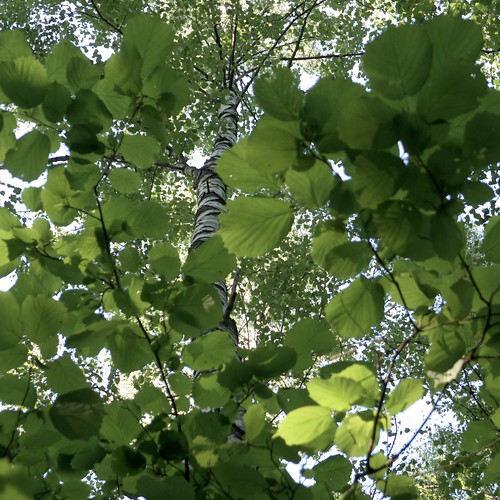
Tuesday, June 29, 2010
SoFoBoMo 2010 - two books ready and finished!
During the long Midsummer weekend, I did a SoFoBoMo mini-project titled Impressions of Midsummer's Eve, of which I posted a separate note. This photo book is also available in PDF form.
In addition, I have finished my "real" SoFoBoMo project. And what is SoFoBoMo? SoFoBoMo is a group event where photographers all around the world make solo photo books in PDF form, in 31 days, start to finish, and there has to be at least 35 photographs in the book.
Making photo books was greatly helped by the experience from last year, when I put together some instructions for later use.
My other SoFoBoMo project is titled Filling the square: play and dream. All photographs are square format (1:1 aspect ratio), taken between June 5th and 22nd. In all there are 68 pages in the book.
Here is a quote from the introduction: "Picturing the world in a square. Mostly landscape and nature photography, with man-made things thrown in. I have divided the photo book into seven chapters, each of which consists of a few images which together build a bigger picture."
I used the hint from last year to output a 172 megabyte PDF file from Pages, and distilled it into a 6.2 MB final version which is available at the SoFoBoMo site.
It took only a couple of minutes to make a Blurb version of the book, outputting the pages at 300 dpi resolution jpeg files and using a full-bleed layout. I used last year SoFoBoMo photobook as the starting point, otherwise this would have been much harder. Originally I didn't even remember what software you need to use with Blurb, and I needed to download a new version of BookSmart to get it to work.
I ordered one copy from Blurb, to see how it turns out. This time I used thicker paper than last year, to make a better visual impact.
Saturday, June 26, 2010
Impressions of Midsummer's Eve (a SoFoBoMo mini-project)
Yesterday was Midsummer's Eve here in Finland. I took a couple of hundred photographs and made a photo book out of them, obeying the SoFoBoMo rules. (Make solo photo books in PDF form, in 31 days, start to finish, and there has to be at least 35 photographs in the book.)
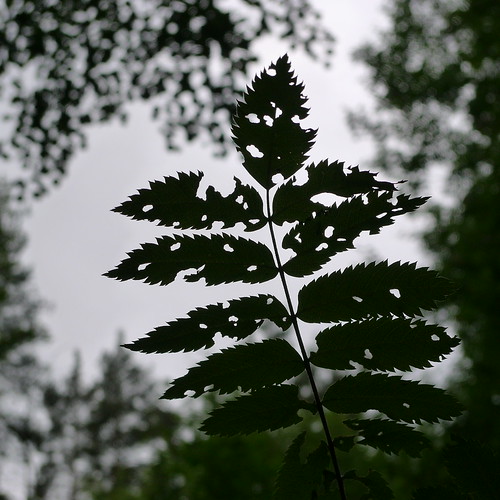
The photobook, titled Impressions of Midsummer's Eve, is available in PDF form at the SoFoBoMo site.
There are 52 pages in the photo book, all square format, all straight jpegs from the camera, the Panasonic LX3.
This was a quick job, photographs were taken within a 12 hour period, and the selection and typesetting was done the next day (today) in a couple of hours. There are six chapters, all having a somewhat unifying theme. I used deliberate motion blur in some photographs, otherwise there is nothing too special in them. The book is typeset using two-page spreads, but the pages can be looked individually as well.
Tuesday, June 15, 2010
Preparations for SoFoBoMo (making a photobook in one month)
I have continued to think about a SoFoBoMo project, shooting square. But I need to find something else than just the 1:1 aspect ratio to provide a unifying theme.
I have currently 206 square format photographs, taken between June 5th and 14th, so there is plenty of material for a SoFoBoMo book. But I'm not yet sure whether this material provides a basis for a book of photographs. It may be enough.
I have been reading Milan Kundera's essay collection L'Art du Roman, which discusses the art of writing novels. This little book contained some thoughts which seem to apply also to photography, at least in an indirect manner. This crossing of disciplines may not be so surprising as Kundera was a composer before turning to writing. Perhaps I may even be able to use in the SoFoBoMo book some of Kundera's number-based principles of composing. Have to see.
In any case, it is now much easier to do such a book than last year. Then I didn't have any experience of using Pages as a typesetting tool, and there were all kinds of problems in post-processing to get the right kind of PDF output (small file, good quality). I even managed to make a printed Blurb book out of the project with relatively little extra work, which is useful to know in advance in case the book turns out ok (or turns out at all).
Well, this may be of use to someone else as well, so here is a collection of links to various hints on making photobooks:
- Making good-quality PDF files from Pages using Ghostscript
- Publishing with Blurb and Issuu, using full-bleed layout and the 25 x 20 cm book size
- Generate separate jpg files of the pages, useful for making Blurb books (use 300 dpi instead of 150 as the output resolution)
- Some final notes on SoFoBoMo last year (too light paper in Blurb, have to remember to fix this year if making a printed copy)
Saturday, June 12, 2010
Framing
As you can see, I'm continuing with the square format when taking photographs. I have a feeling I'm starting to do a little bit better than previously, but can't be sure. But looking at the world using a square has some freshness, so this seems to be a worthwhile experiment. Perhaps even a SoFoBoMo project, but I hesitate to commit fully yet.
Tuesday, June 8, 2010
Monday, June 7, 2010
Going square for SoFoBoMo 2010
I have been complaining about how difficult the square format is, so perhaps it is time to do something about it. I decided to try taking photographs for one month using squares, and if all goes well, perhaps even making a SoFoBoMo project out of it. It is very different to crop afterwards that to compose directly in the square format. Or so I think.